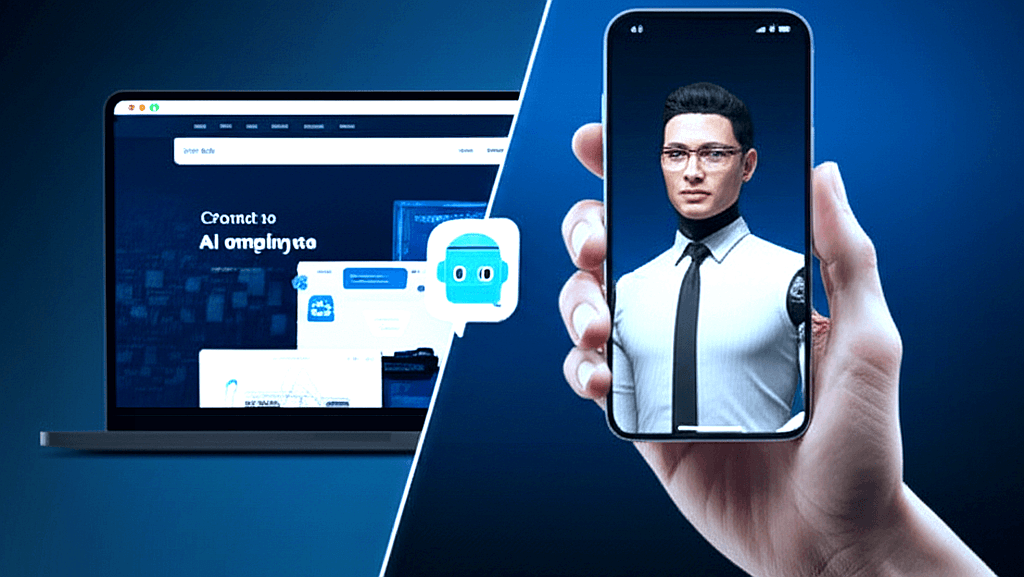
The Question Every Fort Wayne Business Owner Is Asking
You've heard both terms a hundred times this year. "AI chatbot." "AI Employee." Vendors throw them around interchangeably, marketers slap "AI-powered" on everything, and somewhere in the middle of it all, you're trying to figure out what would actually help your business.
Here's the honest answer: they are completely different tools designed for completely different jobs. Confusing them is like confusing a calculator with an accountant. Both work with numbers. Only one runs your books.
This guide is for Fort Wayne and Northeast Indiana business owners who want a clear, no-hype breakdown of what each tool does, what it costs, and which one fits your situation. By the end, you'll know exactly what to buy — or whether to buy anything at all.
What Is a Chatbot — Really?
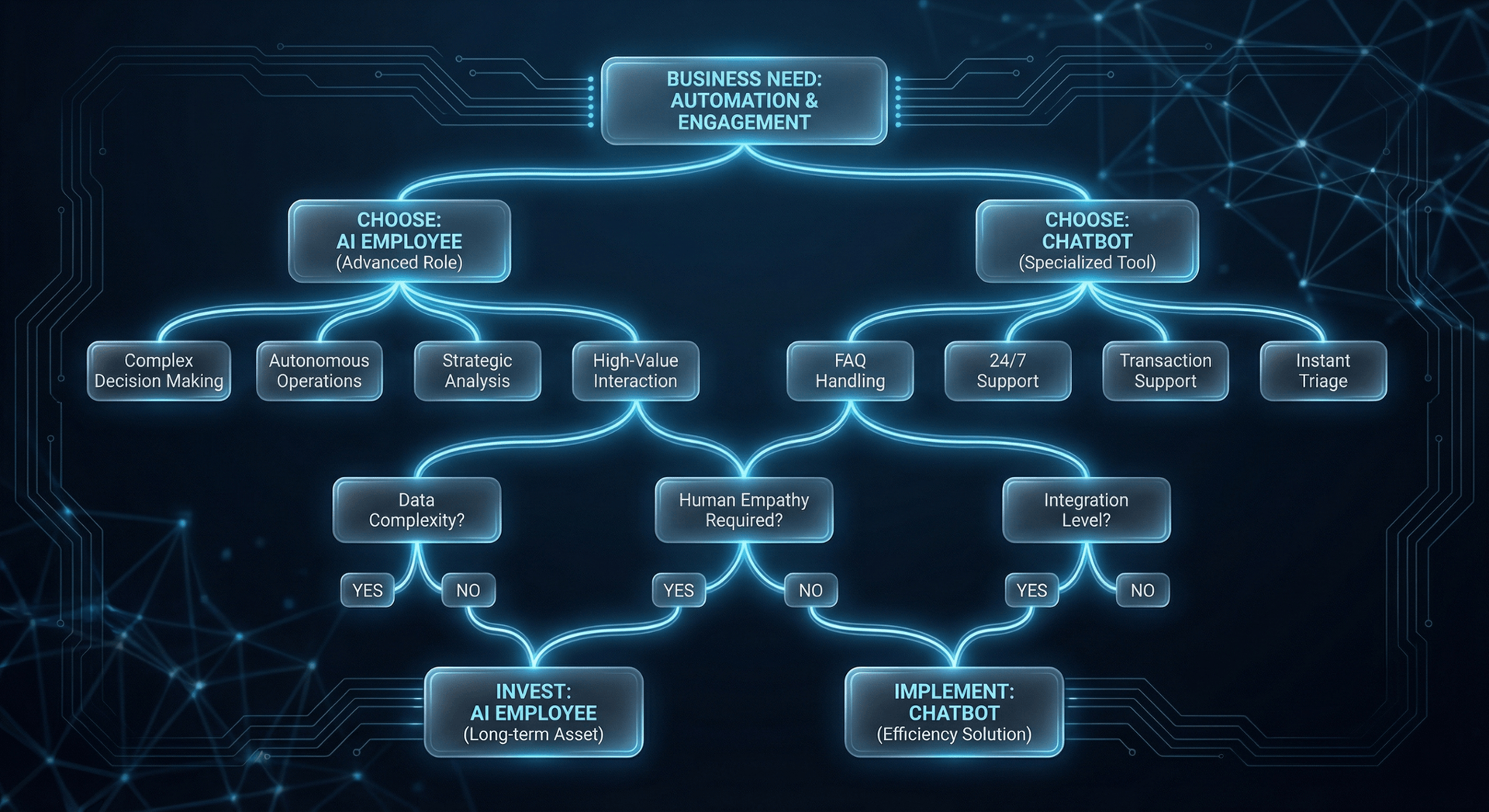
A chatbot is a rule-based or AI-assisted widget that sits on your website and responds to text messages from visitors. Modern chatbots powered by large language models (like GPT) are smarter than their 2018 predecessors, but they still operate under fundamental constraints.
How chatbots actually work
A visitor lands on your site, clicks the little bubble in the corner, and types a question. The chatbot reads the text, matches it against a knowledge base or sends it to an AI model, and types back a response. That's the entire interaction loop.
The chatbot cannot call your visitor. It cannot email a follow-up. It cannot look up their order in your system, book an appointment on your calendar, or flag a hot lead to your sales team. It responds. Full stop.
The Chatbot Illusion
Where chatbots actually do well
Chatbots are legitimately useful for a narrow set of use cases: answering repetitive FAQ questions ("What are your hours?"), providing instant first-response acknowledgment to after-hours inquiries, and routing simple support tickets. For SaaS companies with thousands of users asking the same questions, a chatbot makes sense. For a Fort Wayne HVAC company or medical practice? The math rarely works.
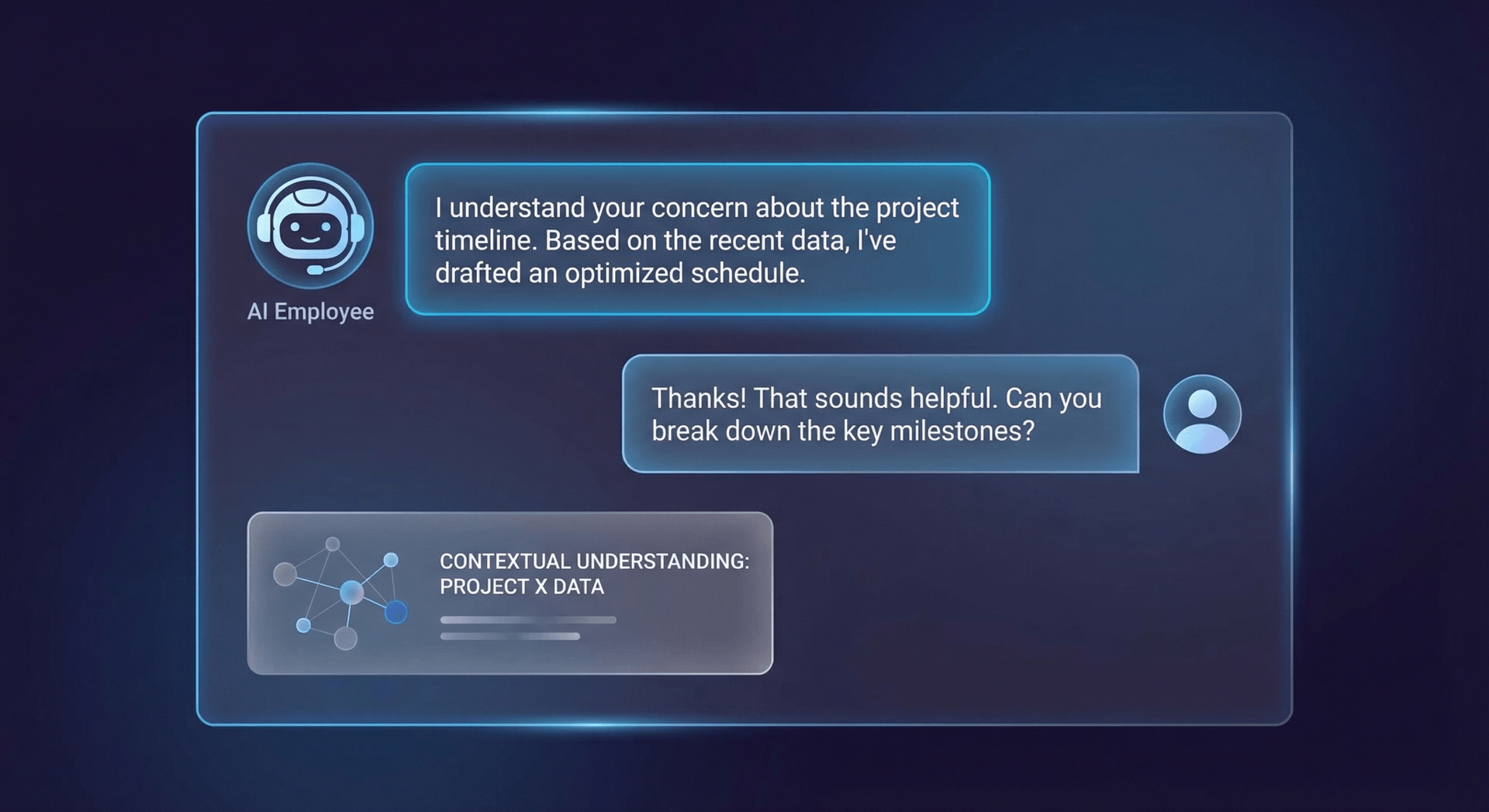
What Is an AI Employee?
An AI Employee is a purpose-built AI system trained on your specific business — your services, your pricing, your inventory, your customers, your processes — and deployed across every channel your customers use to reach you.
At Cloud Radix, our AI Employees come with a dedicated phone number. They answer calls. They handle texts. They respond to website inquiries. They book appointments directly into your calendar system. They know your inventory, remember your customers, and follow up on leads who go cold. They do all of this 24 hours a day, 7 days a week, without sick days or turnover.
The physical hardware difference
Cloud Radix AI Employees include a physical hardware box that installs at your business location. This isn't just a cloud service — it's a dedicated AI system that connects directly to your phone line, your CRM, your calendar, and your point-of-sale system. Your data stays local. Your AI learns from every interaction. And when the internet goes down, your AI keeps working.
What 'Trained On Your Business' Actually Means
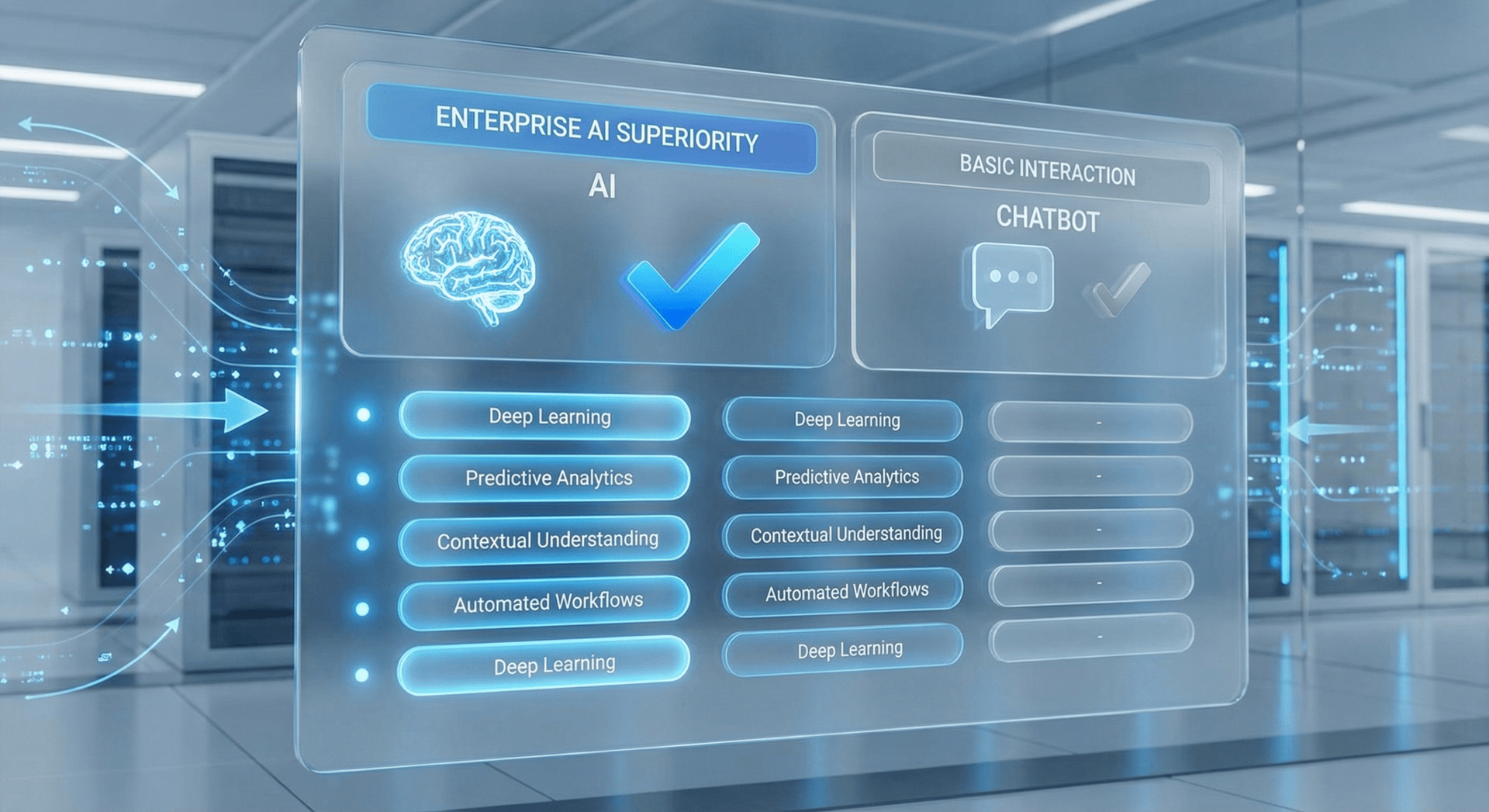
What an AI Employee can do that a chatbot cannot
- Answer inbound phone calls with a natural voice
- Outbound follow-up calls and texts to warm leads
- Book, confirm, and reschedule appointments
- Qualify leads before your sales team spends time on them
- Look up customer history and order status in real time
- Escalate to a human with full context when needed
- Send follow-up emails automatically after calls
- Handle multiple simultaneous conversations across channels
- Learn and improve from every interaction
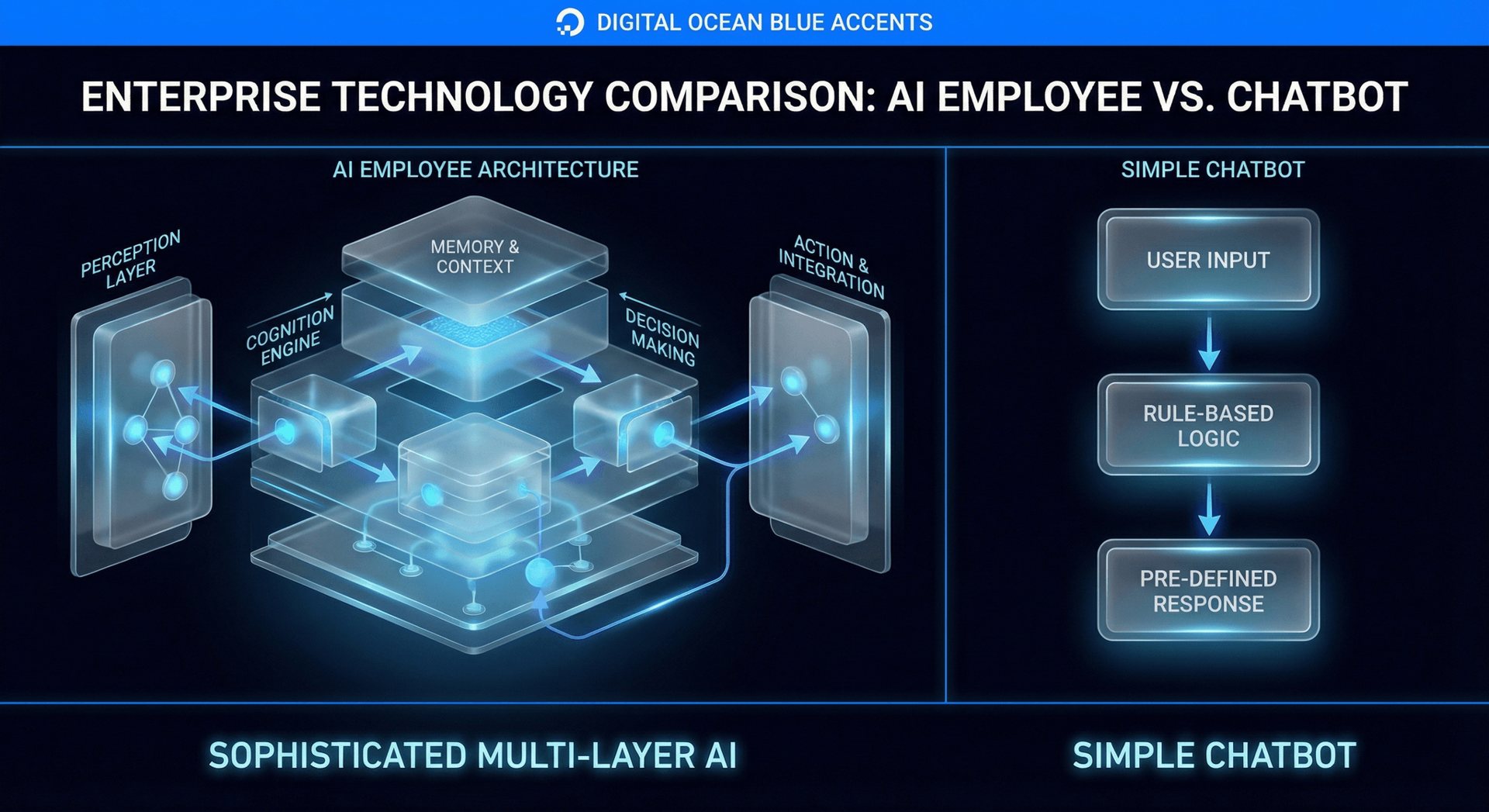
Side-by-Side Comparison: Chatbot vs AI Employee
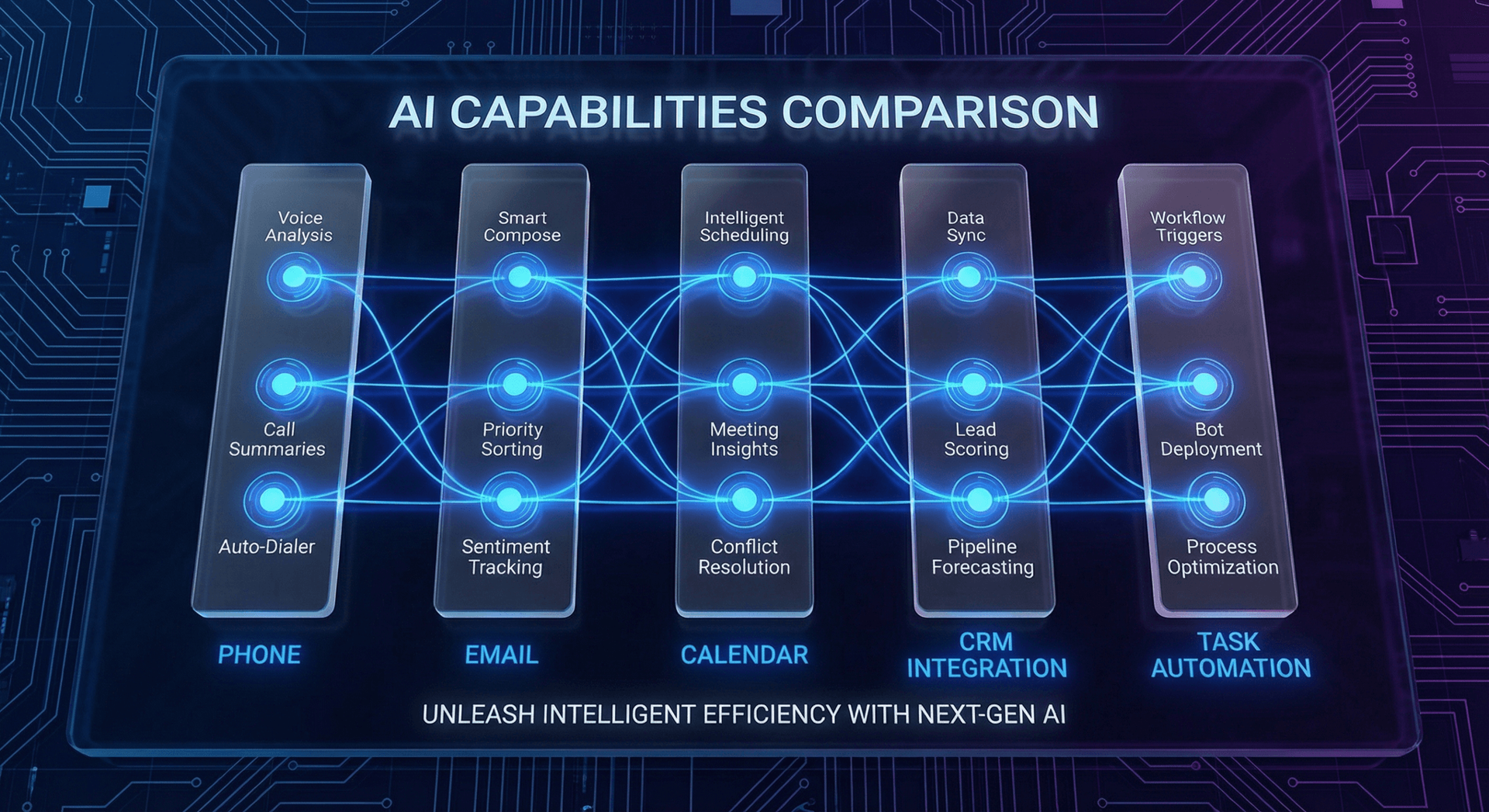
Let's stop talking in abstractions. Here's exactly what each tool does and doesn't do across the dimensions that matter to a Fort Wayne business owner:
| Capability | Standard Chatbot | AI Employee (Cloud Radix) |
|---|---|---|
| Answers website questions | Limited | Full capability |
| Handles phone calls | ✗ No | ✓ Yes — with your number |
| Sends text messages | ✗ No | ✓ Yes, automated & contextual |
| Books appointments | Some (with add-ons) | ✓ Native calendar integration |
| Knows your inventory/pricing | Only if manually entered | ✓ Trained specifically on your data |
| Works after hours | Website only | ✓ All channels, 24/7 |
| Qualifies leads | ✗ Rarely | ✓ Pre-screens before human contact |
| CRM integration | Limited/paid add-on | ✓ Full integration |
| Learns from interactions | ✗ Static knowledge base | ✓ Continuous improvement |
| Escalates to human | Basic routing only | ✓ With full conversation context |
| Physical hardware | ✗ Cloud-only | ✓ On-site box included |
| HIPAA/compliance ready | ✗ Generally no | ✓ BAA available |
Real-World Scenarios: The Same Situation, Two Different Outcomes
Theory only goes so far. Let's walk through what actually happens in common Fort Wayne business situations when a chatbot is involved versus an AI Employee.
Scenario 1: Saturday night at 9 PM — a homeowner needs HVAC service
Homeowner visits your website, clicks the chat bubble, types "my furnace is out." The chatbot says "We'd love to help! Please call us during business hours: Monday–Friday 8AM–5PM." Homeowner calls your competitor who answers. You lose the job.
Your AI Employee answers the call, gathers the issue details, confirms the service address, checks technician availability, books an emergency service call, collects a credit card for the after-hours fee, and texts the homeowner a confirmation with the tech's name. You win the job while you sleep.
Scenario 2: A manufactured home buyer calls at 8 PM
Prospect fills out a contact form through the chat widget. They get a "Thanks, we'll be in touch!" auto-response. By the time you call Monday morning, they've toured three other lots over the weekend. Gone.
Ava — the AI Employee at Factory Direct Homes Center — researches competitor pricing, builds marketing campaigns targeted at first-time home buyers, and develops website content that highlights current inventory and the $5,000 move-in special. Kyle gets polished sales materials and a website designed to convert visitors into showroom appointments.
Scenario 3: A legal intake call at 6:30 PM
Prospective client fills out a contact form on the website. No one sees it until Tuesday (Monday was a holiday). By then they've retained another firm.
AI Employee conducts a structured intake call, gathers case details, confirms conflict check is needed, schedules a consultation, and emails the client a summary of next steps. Attorney walks in Tuesday morning with a qualified consult already on the books.
The Cost Reality: What You're Actually Comparing
This is where the math gets interesting — and where most vendors don't tell you the full story.
The true cost of a chatbot
A decent chatbot subscription runs $50–$300/month. Sounds cheap. But then add:
- Setup time: 10–20 hours to configure, write response trees, and train it on your FAQs
- Ongoing maintenance: Every time your pricing, hours, or services change, someone updates the bot
- Integration costs: CRM, calendar, and ticketing integrations are usually paid add-ons
- Opportunity cost: Every after-hours call that hits voicemail instead of a live AI is a potential lost lead
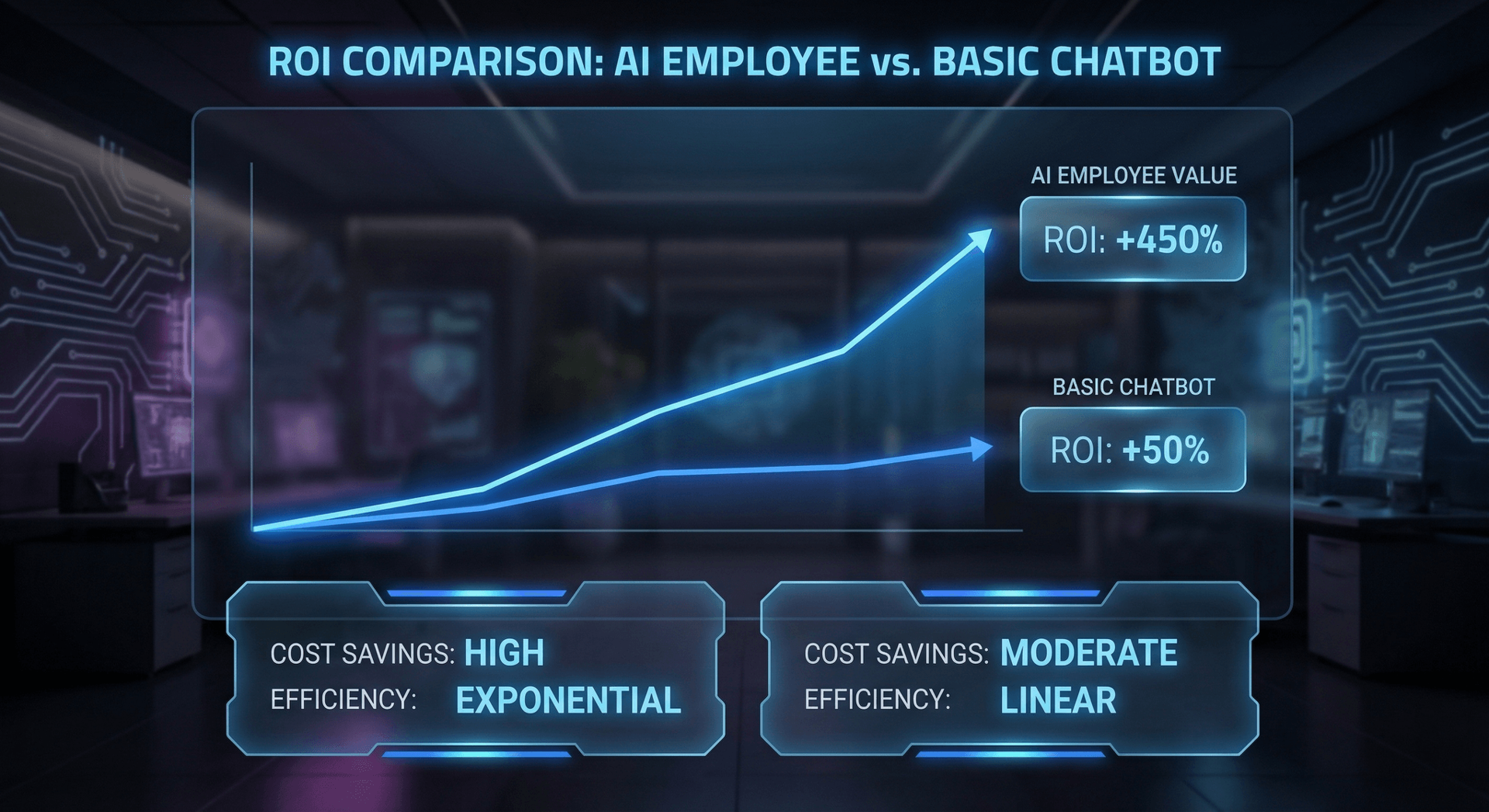
When you add it up, a chatbot that "costs $99/month" often represents $500–$800/month in real costs plus significant lost revenue from missed opportunities. For a detailed cost analysis, see our AI Employee pricing guide.
The true cost of a receptionist
A full-time receptionist in Fort Wayne costs $15–$18/hour. That's $2,400–$2,880/month before benefits, payroll taxes, PTO, training, and turnover. And they work 9–5, take sick days, and leave for a $1/hour raise across town.
The true cost of an AI Employee
Cloud Radix AI Employees start at $997/month. That includes:
- Physical hardware box (yours to keep)
- Dedicated business phone number
- Full setup and one-week training period
- All channel integrations (phone, SMS, email, website)
- 24/7 operation — no nights, weekends, or holiday upcharges
- Ongoing support and continuous learning updates
The ROI Math for a Typical Fort Wayne Business
Who Needs a Chatbot vs. Who Needs an AI Employee
Not every business needs an AI Employee. Here's an honest assessment of when each tool makes sense. If you are still evaluating, our guide on why businesses need AI Employees covers the strategic case in depth.
A chatbot might be enough if:
- Your business is entirely e-commerce and customers never call
- You have a massive user base asking the exact same questions repeatedly
- You already have 24/7 human staff and just need a first-line FAQ filter
- Your average transaction value is very low (under $100)
You need an AI Employee if:
- Customers call you to book, inquire, or buy
- You miss calls after hours, on weekends, or during busy periods
- You've lost business to competitors who answered faster
- You're spending $1,500+/month on reception or answering services
- Your average customer value is $500 or more
- You're in healthcare, legal, home services, real estate, or manufacturing
- You want to scale without proportionally growing your headcount
How Fort Wayne Businesses Are Using AI Employees Right Now
Cloud Radix works with businesses across Allen County and Northeast Indiana. Here's what we're seeing in the field.
Home services (HVAC, plumbing, roofing, electrical): AI Employees handle emergency dispatch calls around the clock, capture after-hours service requests, and qualify jobs before dispatching technicians. One Fort Wayne HVAC company reduced their answering service costs by 60% while capturing 40% more after-hours leads. Learn more in our Fort Wayne skilled trades AI Employee guide.
Legal and professional services: AI Employees conduct structured intake calls, gather case facts, check conflict lists, and schedule consultations. Attorneys arrive to pre-qualified, pre-researched prospects.
Healthcare practices: With HIPAA-compliant configurations, AI Employees handle appointment scheduling, prescription refill requests, and insurance eligibility checks — freeing front desk staff for face-to-face patient care.
Manufactured and modular housing: Sales teams use AI automation to handle the 8 PM inquiries that used to go to voicemail — qualifying buyers, scheduling lot tours, and even walking prospects through financing options.
Restaurants and retail: Reservation management, catering inquiries, hours and menu questions — all handled without tying up staff during the lunch rush.
What to Look For When Evaluating an AI Employee Provider
If this comparison has convinced you that an AI Employee is the right tool, here's what to evaluate before you sign anything:
Key Evaluation Criteria
- Training depth: How much time do they spend learning your specific business? A generic AI isn't an AI Employee.
- Channel coverage: Phone only? Or phone + SMS + email + chat?
- Hardware vs. cloud-only: On-premise hardware means your data stays local and the system works offline.
- Compliance: If you're in healthcare or handle sensitive customer data, ask for HIPAA BAA documentation.
- Integration approach: Can it connect to your existing CRM, calendar, and billing system?
- Local support: When something needs adjustment, can you call a real person?
Making the Transition: What to Expect
Most business owners worry that deploying an AI Employee will be disruptive or that customers will notice and complain. The reality is typically the opposite.
At Cloud Radix, our onboarding process takes approximately one week. During that time:
- Day 1–2: Discovery session — we learn your business, services, pricing, common questions, and escalation rules
- Day 3–4: AI Employee is configured, trained, and integrated with your systems
- Day 5: Test calls and review with your team — you approve every response scenario before go-live
- Day 7: Go live — your AI Employee takes its first real call

Most customers never realize they're talking to an AI. They get fast, accurate, helpful responses — and that's all they care about. In follow-up surveys, Fort Wayne businesses report that their customers consistently rate AI Employee interactions as "excellent" or "very helpful."
Frequently Asked Questions
Q1.Will customers know they're talking to an AI Employee instead of a human?
Most don't, and most don't care. Our AI Employees are trained to sound natural, ask good questions, and stay helpful. When customers need a human — for a complex complaint or sensitive issue — the AI seamlessly escalates with full context, so the human doesn't start from scratch.
Q2.What happens when the AI doesn't know the answer?
Every AI Employee has configurable escalation triggers. If a question falls outside its knowledge base, it gathers the customer's information and promises a callback from your team, or transfers the call immediately if you prefer. It never makes up answers.
Q3.Can I keep my current phone number?
Yes. Your AI Employee can be configured with your existing business number through number porting, or you can add a new number that forwards to your AI Employee. Most businesses keep their primary number and route it through the AI.
Q4.What if I'm not happy with how the AI is performing?
You have direct access to your Cloud Radix support team. We review call recordings, identify gaps, and update the AI's training on an ongoing basis. Your AI Employee improves over time — it doesn't plateau like a chatbot.
Q5.Is this right for a business with only 2–3 employees?
This is exactly who AI Employees are designed for. Small teams can't staff a receptionist, can't afford to miss calls, and can't waste time on pre-qualifying conversations. Your AI Employee handles the volume you can't, so your 2–3 people focus on the work that actually requires them.
Q6.How is this different from an answering service?
Traditional answering services use human operators who read from a script, can't access your systems, and charge per-minute or per-call. An AI Employee knows your business, integrates with your tools, books appointments in real time, and costs a flat monthly rate — usually less than the answering service.
Q7.What industries in Fort Wayne use AI Employees most?
Home services (HVAC, plumbing, roofing), legal and professional services, healthcare practices, real estate and manufactured housing, auto dealers, and restaurants are the strongest adopters in the Fort Wayne market. Any business where calls drive revenue is a strong fit.
Sources
- McKinsey & Company — The State of AI in 2026 — mckinsey.com
- Gartner — Chatbot Satisfaction Benchmarks 2025 — gartner.com
- U.S. Bureau of Labor Statistics — Receptionist Wage Data, Indiana 2025 — bls.gov
- Salesforce — State of the Connected Customer 2025 — salesforce.com
Stop Losing Leads to Voicemail
Cloud Radix is based in Auburn, Indiana — 25 minutes from Fort Wayne. We'll come to your business, learn how it works, and have your AI Employee answering calls within a week.
Schedule a Free ConsultationNo contracts to sign. No pressure. Just an honest conversation about what would help your business.