Why Automation Matters More in Fort Wayne in 2026
Fort Wayne businesses have always had to punch above their weight. You compete with Indianapolis, Chicago, and national chains for the same customers — but with smaller teams, tighter margins, and fewer resources to throw at every problem. For most of the last two decades, the answer was hustle. Work harder. Hire faster. Stay later.
In 2026, the calculus has changed. Automation tools that once cost $50,000 in custom development now cost $997 per month. AI systems that required enterprise IT teams to deploy now run on a hardware box the size of a paperback novel. The advantage that used to be reserved for companies with dedicated technology departments is now available to the Fort Wayne HVAC contractor, the downtown law firm, the pediatric practice on Dupont Road, and the fabrication shop on the east side.
This guide is not about theory. It is written specifically for Northeast Indiana business owners who want a clear, honest breakdown of what automation actually is, which processes to tackle first, what the realistic ROI looks like, and how to get started without making expensive mistakes. We cover eight industries with direct presence in the Fort Wayne market. By the time you finish reading, you should know exactly where your business stands and what to do next.
The Fort Wayne Business Landscape: What Makes Our Market Unique
Fort Wayne is not a small town that wishes it were a big city. It is the second-largest city in Indiana, the economic anchor for a twelve-county region, and home to a genuinely diverse industrial and commercial base. Understanding what makes the local economy tick matters when you are deciding which automation investments will pay off fastest.
Fort Wayne's economic pillars
Manufacturing remains the backbone of the Allen County economy. From large employers like General Motors (Truck Assembly), Lincoln Financial Group, and Parkview Health, down to hundreds of Tier 1 and Tier 2 automotive suppliers, fabricators, and specialty manufacturers, production and logistics define the region. Healthcare is the second pillar — Parkview and Lutheran Health Network alone employ tens of thousands. And below those anchors sits a dense layer of small and mid-size businesses in construction, home services, professional services, retail, and food service that serve the community directly.
The labor market reality in 2026
Fort Wayne's unemployment rate has hovered below 4% for most of the last three years. Finding dependable employees — particularly for administrative, customer-facing, and phone-handling roles — is genuinely difficult. Hiring a full-time receptionist means competing with hospitals, insurance companies, and manufacturers who offer benefits packages that a five-person HVAC company simply cannot match. The result: small businesses are chronically understaffed in exactly the roles that most affect customer experience and revenue capture.
This is the fundamental economic case for automation in Fort Wayne. It is not about replacing people who are easy to hire. It is about covering functions that are increasingly difficult and expensive to staff with humans.
The Fort Wayne Opportunity Window
What Fort Wayne customers expect in 2026
Customer expectations have been permanently reshaped by the experience of interacting with large, well-resourced companies. People who order from Amazon at midnight expect confirmation within seconds. People who call a doctor's office at 7 AM expect to book without waiting on hold for twenty minutes. When your small business cannot deliver that kind of responsiveness — and cannot be found through strong local SEO — you do not just create friction, you lose the customer to whoever can.
Automation is how a fifteen-person business meets the responsiveness expectations of a customer who also buys from billion-dollar brands — especially when paired with effective digital marketing that drives those customers to your business in the first place. That is not a luxury. In 2026, it is table stakes.
What Business Automation Actually Means (And What It Doesn't)
The word "automation" has been stretched to cover everything from an email auto-responder to a fully autonomous manufacturing line. Before you spend a dollar, it helps to understand the three meaningful tiers of business automation and where each one delivers value.
Tier 1: Task automation
Task automation handles discrete, repetitive actions. Examples: automatically sending a meeting reminder email, auto-filing invoices into accounting software, triggering a text message when a form is submitted on your website. This is the lowest tier of automation — it is useful, it saves time, and it is cheap. But task automation does not think. It does not adapt. It fires when triggered and stops there.
Tier 2: Process automation
Process automation handles multi-step workflows that involve conditional logic. Examples: a lead arrives through your website, the system qualifies them based on budget and timeline fields they filled out, routes high-value leads to your sales team immediately, sends medium-value leads into a nurture sequence, and discards leads below a minimum threshold. Process automation saves significant manual coordination time and reduces the chance of leads or tasks falling through the cracks. This is where tools like CRM workflows, Zapier, and HubSpot sequences operate.
Tier 3: AI-driven automation
AI-driven automation handles open-ended conversations and decisions that require genuine comprehension. A customer calls at 9 PM with a question you have never been asked before. They want to know whether your HVAC service warranty covers labor on a unit that is eleven years old. An AI Employee trained on your business can answer that accurately, handle the emotional tenor of the conversation, book a service call if needed, and escalate to a senior technician if the situation is complex — all without a human in the loop.
This is where the real economic leverage exists for Fort Wayne businesses. Tiers 1 and 2 save time. Tier 3 generates revenue and protects it around the clock.
| Process Type | Manual Operations | Automated Operations |
|---|---|---|
| After-hours calls | Go to voicemail — lead lost | AI Employee answers, qualifies, books |
| Appointment scheduling | Staff member checks calendar, calls back | Instant booking to calendar, confirmation sent |
| Lead follow-up | Remembered when time permits — often days later | Automated text/email within 90 seconds of inquiry |
| New customer intake | Paper or phone-collected, manually entered to CRM | Structured intake form, auto-synced to CRM in real time |
| Invoice reminders | Manual check and individual email or call | Automated reminder sequence — escalating as needed |
| Availability confirmation | Call or email — often 24+ hour delay | Instant response via SMS or AI voice |
| Staff hours required | 40+ hrs/week for admin tasks | 2–4 hrs/week for oversight and exceptions |
| Nights & weekends | No coverage without overtime cost | Full coverage — no additional cost |
| Scale with demand | Must hire more staff | AI handles volume surge automatically |
| Cost per lead handled | $15–$40 (staff time) | $1–$3 (AI cost per interaction) |
Top Processes to Automate First: A Priority Framework
Not everything should be automated at once. The businesses that get the best results from automation are the ones that start where the ROI is clearest and expand from there. Here is the framework we use with Fort Wayne clients to decide what to tackle first.
Priority 1: Inbound call and inquiry handling
If your phone rings when no one is available to answer, you are losing revenue right now. This is the highest-ROI starting point for most Fort Wayne businesses because the math is simple: every missed call is a potential customer who called your competitor next. An AI Employee that answers every call, every time, converts a direct revenue leak into a revenue capture machine. This should always be the first automation investment for service businesses.
Priority 2: Appointment booking and confirmation
Scheduling is a massive time sink for small teams. Getting a customer booked requires checking availability, going back and forth on times, sending a confirmation, sending a reminder, handling reschedules. Automating this process end-to-end typically saves eight to fifteen hours of staff time per week — time that goes toward actual revenue-generating work.
Priority 3: Lead nurture and follow-up
Studies consistently show that 80% of sales require five or more follow-up contacts, yet most small businesses give up after one or two. Automating a follow-up sequence — texts, emails, and calls spread over days and weeks — dramatically improves close rates without requiring any additional human effort per lead.
Priority 4: Customer communication and status updates
Customers who feel informed do not call to check on their order, their appointment, or their claim status. Automated status updates — a text when a technician is en route, an email when a project milestone is complete, a reminder the day before an appointment — reduce inbound call volume significantly while improving customer satisfaction scores.
Priority 5: Administrative data entry and reporting
Invoicing, CRM updates, timesheet management, and reporting are necessary but low-skill tasks that consume expensive staff hours. Automating data flows between your field tools, scheduling system, CRM, and accounting software eliminates redundant entry and the errors that come with it.
The 80/20 Rule for Automation ROI
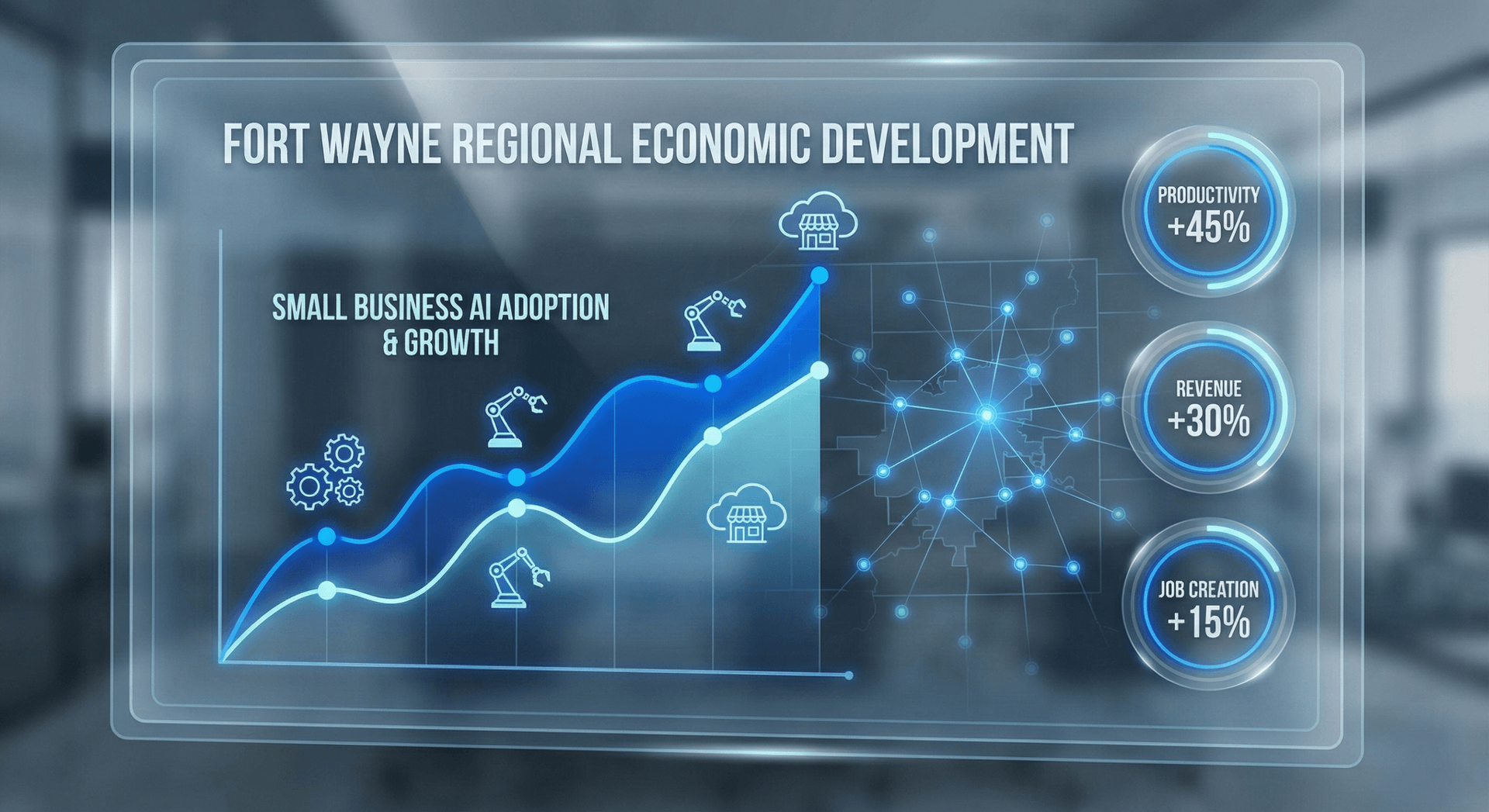
Manufacturing and Logistics: Automation for Fort Wayne's Industrial Core
Allen County is home to more than 600 manufacturing establishments employing over 30,000 workers. From large assembly plants to small precision machine shops, Fort Wayne manufacturing faces consistent challenges: labor availability, production scheduling, quality control, and supplier communication. Automation addresses each of these — though the approach differs significantly by company size.
What smaller manufacturers can automate immediately
For the fifty-person fabrication shop or the precision machining operation with two to three shifts, the highest-impact automation investments tend to be on the business side rather than the production floor. Customer quoting and order intake, supplier communication and purchase order follow-up, production schedule communication to clients, and job status updates are all processes that small manufacturing operations handle manually — often burning the time of the same people running production.
An AI Employee deployed for a Fort Wayne machine shop can handle inbound RFQ calls, gather part specifications, confirm lead times, and route qualified opportunities to the appropriate estimator. This alone recaptures significant lost business from after-hours inquiries and removes the administrative burden from your machinists and estimators.
Supplier and logistics communication
Automated supplier follow-up — tracking outstanding POs, flagging delays, sending reminders — reduces the time your purchasing team spends chasing confirmations. Integrated with your ERP or MRP system, these automations keep production schedules from being blindsided by delayed materials without requiring daily manual check-in calls.
Quality and compliance documentation
For shops supplying to Tier 1 automotive or aerospace customers, documentation requirements are substantial. Automating the generation, routing, and filing of quality records, inspection reports, and compliance documents reduces risk and administrative overhead simultaneously. What used to require a dedicated quality administrator can often be handled with automation tools that cost a fraction of that salary.
Healthcare and Medical Practices: HIPAA-Compliant Automation in Fort Wayne
Healthcare is Fort Wayne's second-largest employment sector, and private medical practices — from family medicine to specialty care to dental and optometry — represent some of the highest-ROI automation opportunities in the local market. The front desk workflow at a typical medical practice is one of the most inefficient processes in any industry: phone calls for scheduling, voicemails for prescription refills, paper intake forms, manual insurance verification, and call-back requests that pile up through the afternoon.
Patient scheduling and appointment management
The average medical practice in Fort Wayne spends two to four hours of staff time per day managing appointment scheduling — calls, confirmations, reschedules, and cancellation fills. Automating patient scheduling through an AI-driven system that integrates directly with your practice management software reduces this to thirty to sixty minutes of exception handling. Patients can book online, via text, or by calling the AI — at 10 PM if that is when they think of it.
Automated appointment reminders sent forty-eight hours and twenty-four hours before the visit consistently reduce no-show rates by thirty to fifty percent. At a typical specialist practice billing $300–$500 per visit, eliminating four no-shows per week generates $5,000–$8,000 in recovered monthly revenue.
Prescription refill requests and routine inquiries
A substantial portion of the calls that flood a medical front desk are prescription refill requests — a process that requires a specific workflow but very little clinical judgment at the intake stage. An AI system configured with HIPAA-compliant data handling can collect the refill request details, verify patient identity, route to the appropriate provider for approval, and notify the patient when the prescription is ready. This removes a significant call volume burden from front desk staff without reducing care quality.
HIPAA Compliance and AI Automation
Insurance verification and prior authorization follow-up
Insurance verification and prior authorization are well-documented administrative burdens. Many practices employ dedicated staff for nothing but insurance-related calls. Automation tools that integrate with payer eligibility APIs can verify coverage automatically at booking, reducing the number of rejected claims and the staff hours spent on phone-based verification. Prior authorization follow-up — the daily calls to check status on pending auths — is also an excellent candidate for automation through scheduled API queries and automatic escalation when auths are approaching expiration.
Home Services Automation: HVAC, Plumbing, Roofing, and Electrical
Home services businesses in Fort Wayne operate in one of the most automation-ready segments of the local economy. The revenue model is call-driven. A significant portion of that call volume arrives outside business hours — emergency situations do not schedule themselves for Tuesday morning at 10 AM. And the cost of a missed call is immediate and measurable: the homeowner calls the next company on the list.
After-hours call capture: the clearest ROI in home services
An HVAC company that misses five service calls on a weekend is not just losing $500–$800 per call. It is losing the relationship — the future maintenance agreement, the equipment replacement, the referral to the neighbor next door. When you calculate the lifetime value of a home services customer at $3,000–$8,000, five missed weekend calls represents a staggering revenue leak.
An AI Employee deployed for a Fort Wayne HVAC, plumbing, or electrical company answers every call. It gathers the situation details, confirms the service address, checks technician dispatch availability, quotes the after-hours service fee, collects payment information, books the call, and texts the customer a confirmation with the technician's name and estimated arrival window. This entire workflow completes in three to five minutes without a human involved.
Dispatch coordination and technician communication
Beyond call capture, home services automation can significantly improve dispatch efficiency. Automated job assignment based on technician location and skill set, real-time customer notifications when a tech is en route, and automatic job completion confirmations eliminate the back-and-forth communication that currently ties up your dispatcher and your field team simultaneously.
Maintenance plan renewal and seasonal outreach
HVAC companies with maintenance agreement programs know that renewal and seasonal outreach is a significant revenue driver — and a significant administrative burden. Automated outreach sequences that identify expiring agreements, send personalized renewal offers, and follow up with non-responders via text and email can manage an entire maintenance agreement book without staff involvement beyond reviewing new bookings.
Professional Services Automation: Legal, Accounting, and Consulting
Law firms, CPA practices, financial advisors, insurance agencies, and management consultants in Fort Wayne share a common pain point: highly skilled professionals spending time on administrative tasks that do not require their expertise. A partner at a Fort Wayne law firm billing $250–$450 per hour who spends ninety minutes per day on scheduling, intake calls, and administrative follow-up is leaving $375–$675 in billed time on the table every single day.
Legal intake automation
Prospective legal clients call at all hours, often in urgent or emotionally charged situations. An AI Employee configured for a law firm can conduct a structured intake call — gathering the nature of the matter, the relevant parties, key dates, and contact information — and then schedule a consultation with the appropriate attorney. The attorney walks into that consultation with a pre-populated intake form and a brief summary of the matter, rather than starting from zero.
Conflict checking can be partially automated as well, with the AI capturing the names of all parties involved and triggering an automated check against your conflict database before the consultation is confirmed. This eliminates the delay and awkwardness of calling a prospect back to say you have a conflict after they have already scheduled.
Accounting and financial services client communication
CPA firms in Fort Wayne face massive, predictable volume spikes around tax season. Automating document request workflows — sending clients a personalized checklist of required documents based on their tax situation, following up on missing items, and confirming receipt — dramatically reduces the administrative burden on staff during the period when every hour is most valuable.
Client onboarding automation, engagement letter execution, and status update communication are also strong candidates for professional services automation. When a new client can complete their onboarding digitally, receiving automated prompts for each step and reminders when they lag, the experience is better and your staff spends less time chasing paperwork.
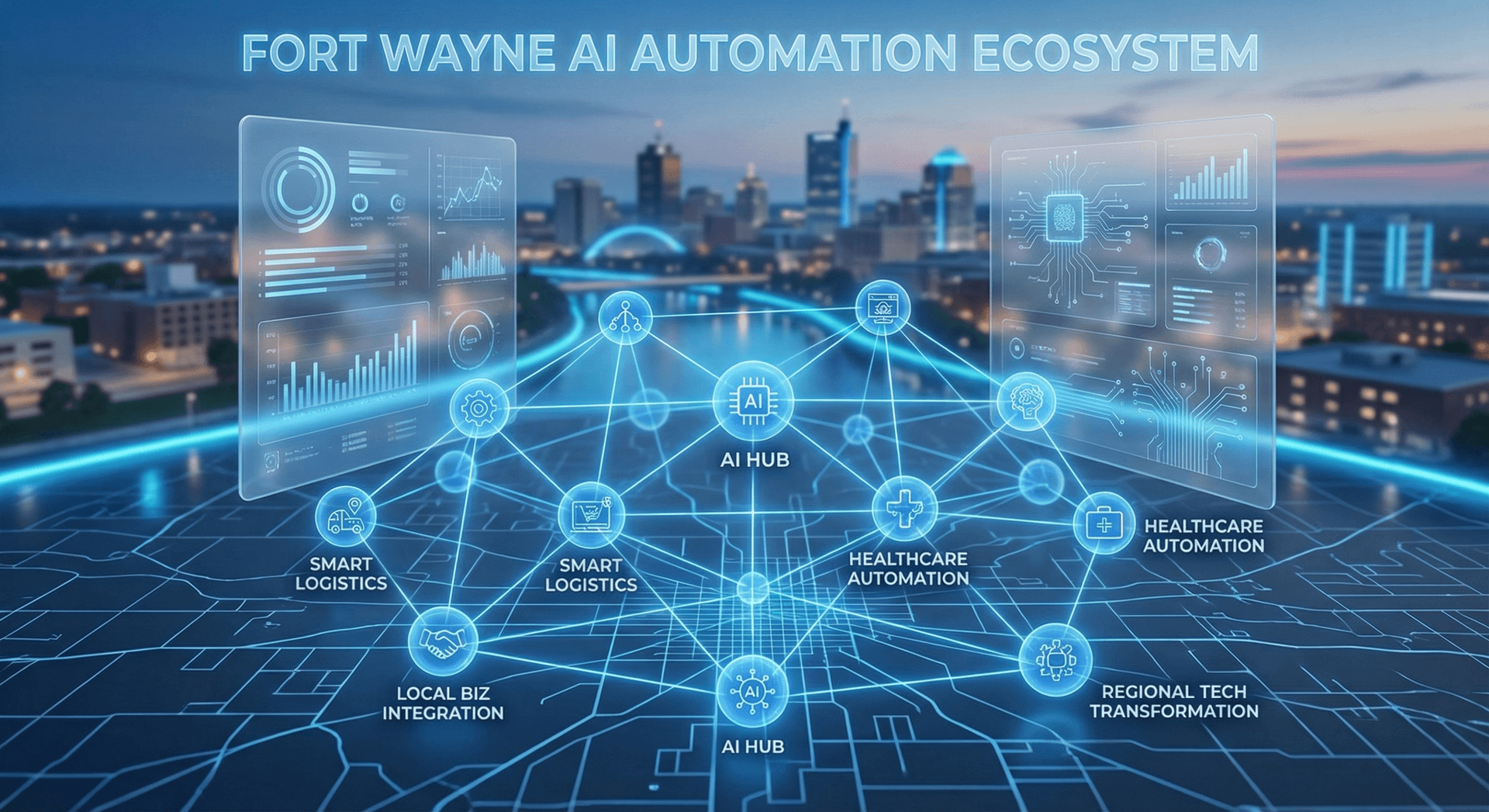
Real Numbers from a Fort Wayne Professional Services Firm
Retail and Restaurant Automation: Serving Fort Wayne Consumers Better
Fort Wayne's retail and restaurant landscape is competitive, fragmented, and increasingly price-sensitive. Independent retailers and restaurants compete with national chains that have invested heavily in automation — from online ordering to loyalty programs to inventory management — and with the ongoing pressure of e-commerce. Automation is not just a cost-saving measure for local retail and restaurant operators. It is a competitive survival tool.
Reservation and ordering automation
Fort Wayne restaurants that still rely exclusively on phone reservations are accepting a significant competitive disadvantage. The ability to book a table at 11 PM via text or web, receive an instant confirmation, and get an automated reminder the afternoon before the reservation is now a baseline expectation for diners who have ever used OpenTable or Resy. An AI Employee handles phone reservations for customers who prefer to call, while integrated online booking handles the digital channel — and both feed the same reservation system.
Catering and event inquiries represent another high-value use case. An AI system that gathers event details — date, headcount, menu preferences, budget — and responds with a preliminary proposal within minutes rather than the next business day converts significantly more catering leads than a call-back system that operates only during lunch prep hours.
Inventory management and supplier ordering
Automated inventory tracking and reorder triggers eliminate the manual counting and the inevitable stockouts that happen when count-and-order is left to already-stretched staff. For retail operations, integration between your point-of-sale system and your supplier ordering workflow can automate replenishment based on actual sales velocity rather than estimates, reducing both stockouts and overstock simultaneously.
Customer loyalty and retention automation
The most profitable customer a restaurant or retailer has is the one they already served. Automated loyalty programs — digital punch cards, birthday offers, win-back sequences for customers who have not visited in sixty days — generate significant incremental revenue with minimal ongoing management. An automated text message sent to a lapsed customer with a twenty-dollar credit costs a few cents to send and consistently generates four to ten times that value in recovered visits.
Calculating Your Automation ROI: The Fort Wayne Business Framework
Every Fort Wayne business considering automation should do this math before signing a contract. It is not complicated, and it will quickly tell you whether an investment makes sense and what kind of return to expect.
Step 1: Identify the cost of the problem you are solving
Before calculating the value of automation, quantify the cost of the current situation. If you are automating call handling, estimate how many calls per week go unanswered or to voicemail, multiply by your average job value and your close rate, and that is your current monthly revenue leak. If you are automating scheduling, estimate how many hours per week your staff spends on scheduling tasks, multiply by their hourly fully-loaded cost, and that is your current monthly inefficiency cost.
Step 2: Calculate the realistic capture rate
Automation does not solve every problem perfectly. A realistic estimate is that an AI call-handling system will capture sixty to seventy-five percent of leads that currently go to voicemail. Not all of those leads will close. Apply your existing close rate to the additional captured leads, and that is your realistic revenue gain from call automation alone.
Step 3: Add the labor cost reduction
If automation replaces or significantly reduces the time of an existing staff member, calculate the monthly value of those freed hours. If it eliminates the need to hire additional staff to handle growing volume, calculate the salary and benefits cost avoided. Both are real, measurable components of ROI.
Step 4: Subtract the automation investment
Cloud Radix AI Employees start at $997 per month and include hardware, setup, training, all integrations, and ongoing support. Compare the monthly cost against the monthly revenue gained plus the monthly labor cost reduced. Most Fort Wayne businesses see a three-to-one or better return within the first sixty to ninety days.
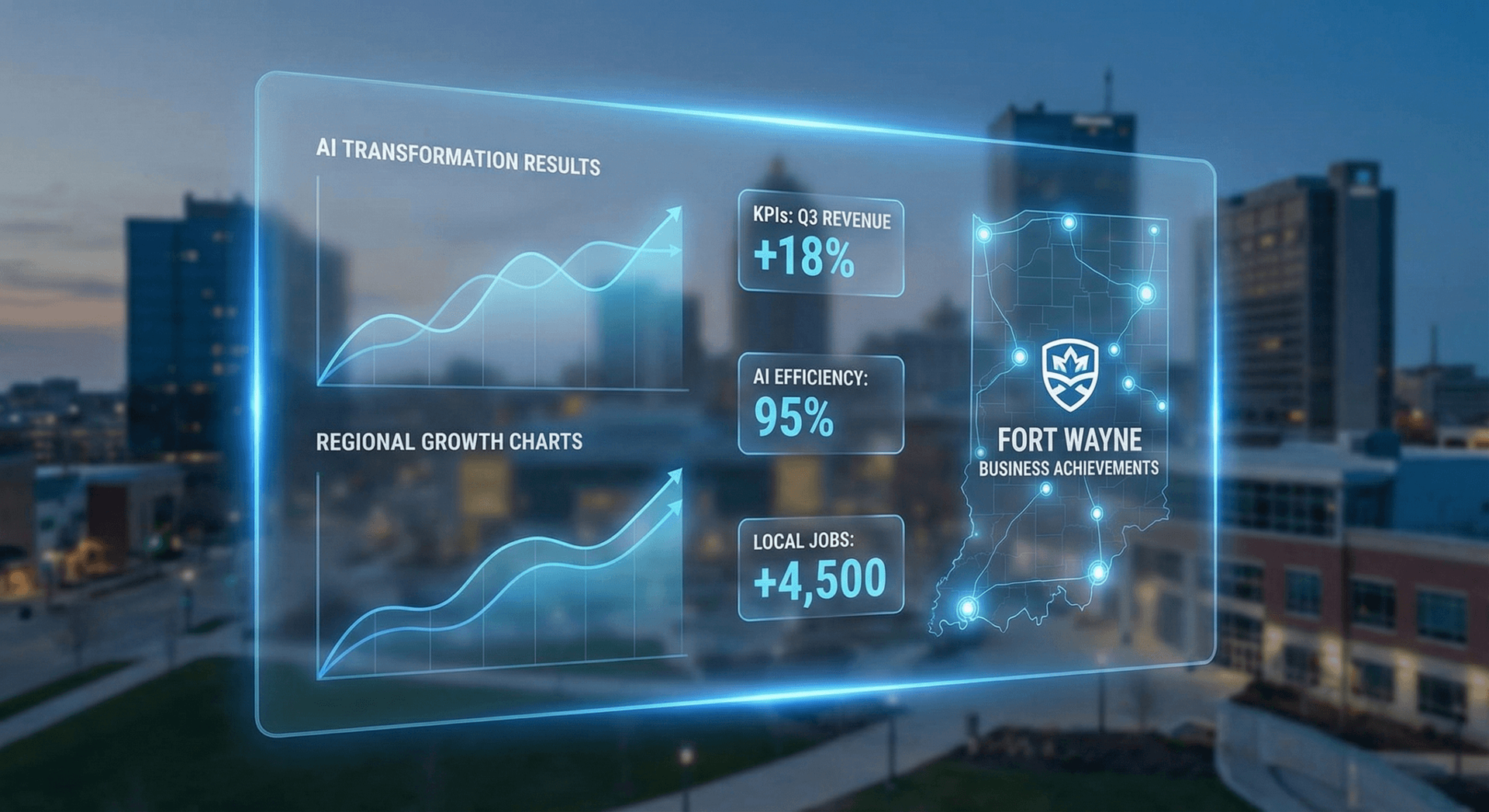
A Real ROI Example for a Fort Wayne Home Services Business
Getting Started: A Practical Roadmap for Fort Wayne Businesses
The biggest mistake businesses make with automation is trying to do everything at once. The second biggest mistake is planning indefinitely without starting. Here is the roadmap we recommend to Fort Wayne clients — a sequenced approach that delivers measurable results within thirty days of kickoff.
Phase 1: Audit your current revenue leaks (Week 1)
Before buying anything, spend one week tracking the specific ways your business is losing revenue and wasting time due to manual processes. Count missed calls. Time your scheduling workflow. Identify the follow-ups that are not happening. Calculate the rough dollar value of each category. This audit gives you a prioritized list of where to start and a baseline for measuring results.
Phase 2: Start with inbound call handling (Weeks 2–4)
If your audit confirms that missed calls and after-hours inquiries are a significant issue — and they are for most Fort Wayne service businesses — deploy AI-driven call handling first. This is the fastest ROI and requires the least operational change. Your existing staff keeps doing what they do. The AI handles what they cannot. Within thirty days, you will have concrete data on how many additional leads were captured and what they converted to.
Phase 3: Integrate scheduling and CRM (Month 2)
Once call handling is running smoothly, connect your scheduling and CRM workflows. Ensure that every lead captured by the AI is automatically entered into your customer database, every appointment is visible in your calendar system, and every follow-up is triggered without manual action. This is where the time savings compound — you go from saving revenue to saving labor simultaneously.
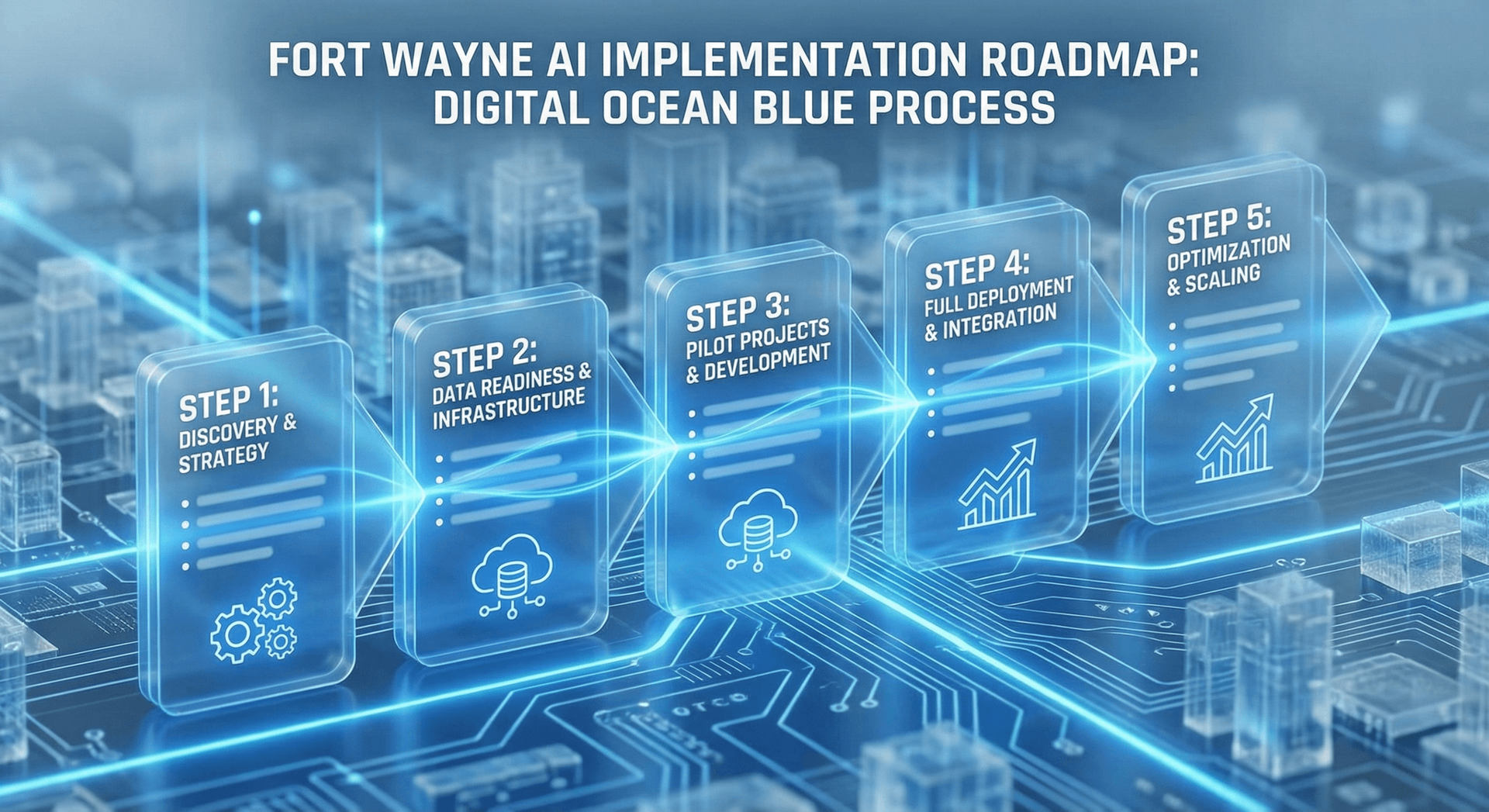
Phase 4: Expand to outbound follow-up (Month 3)
With inbound capture and scheduling handled, turn attention to outbound. Automate follow-up sequences for cold leads, renewal outreach for existing customers, and reactivation campaigns for lapsed customers. This phase typically delivers another significant revenue bump — often comparable to the initial call-handling gains — because it systematically works a pool of leads that is currently sitting idle.
Phase 5: Back-office and administrative automation (Month 4+)
With revenue protection in place and cash flow improved, invest in back-office automation: invoice workflows, reporting automation, HR administrative processes, and supplier communication. These deliver real savings but the payback period is longer — which is why they come after the higher-urgency revenue-protection automation.
Common Automation Mistakes Fort Wayne Businesses Make
Learning from mistakes that other businesses have already made is one of the genuine advantages of not being the first adopter in your market. Here are the automation mistakes we see most frequently with Fort Wayne and Northeast Indiana clients — and how to avoid them.
Mistake 1: Buying automation to solve a problem they have not measured
The number of businesses that invest in automation because it "sounds like a good idea" — without ever measuring the current cost of the problem they are trying to solve — is remarkable. When you have not quantified the baseline, you cannot determine whether the investment worked. Worse, you may be automating a low-impact process while a higher-impact problem goes unaddressed. Always audit before you buy.
Mistake 2: Deploying automation without training it on their actual business
Generic AI tools — chatbots configured with default settings, answering services with scripts written for another industry — perform poorly because they do not know your business. A plumbing company's AI needs to know the difference between a drain clog and a water heater replacement, which techs handle which jobs, what the emergency service fee is, and which neighborhoods fall outside the service area. Automation that is not trained on your specific operation creates bad customer experiences and undermines trust in the technology. Demand thorough configuration and training from any vendor you work with.
Mistake 3: Failing to integrate with existing systems
An AI that answers calls but cannot actually see your calendar to book appointments is not useful — it creates a new manual step where the AI takes the request and then a human books the appointment separately. For automation to deliver its full value, it must integrate directly with the systems your business already runs on: your scheduling tool, your CRM, your accounting software. Incomplete integration is the single most common reason automation pilots disappoint.
Mistake 4: Expecting immediate perfection
AI-driven automation improves with use. The first week of operation is rarely the best week — the system learns from real interactions, you identify edge cases you did not anticipate, and your team figures out how the exception escalation process should work. Build in a thirty-day optimization period where you review interactions, refine the AI's responses, and adjust escalation triggers. Businesses that abandon automation after two weeks because it was not perfect from day one are leaving enormous value on the table.
Mistake 5: Not telling customers about the AI
Disclosure practices around AI interaction vary by industry and preference. Some businesses choose transparent disclosure ("Hi, this is Aria, our AI assistant"). Others use a name that does not signal AI either way. What almost never works is an AI that is configured to actively deny being an AI when asked directly. Customers who feel deceived become ex-customers. Configure your AI to handle "are you a robot?" honestly and gracefully, and the issue becomes a non-issue.
The Best Automation Vendors Are Local
Frequently Asked Questions
Q1.What types of Fort Wayne businesses benefit most from automation?
Service businesses where revenue is driven by inbound calls and appointments see the fastest ROI: home services (HVAC, plumbing, roofing, electrical), healthcare practices, legal and professional services firms, and home services contractors. Retail and restaurant businesses benefit significantly as well, particularly from reservation automation, customer follow-up, and loyalty programs. Manufacturers benefit most from business-side automation — quoting, customer communication, and supplier management — rather than production floor automation, which requires much larger capital investment.
Q2.How much does business automation typically cost for a Fort Wayne small business?
The cost depends on the scope. AI Employee systems for call handling and scheduling start at $997 per month and include hardware, setup, training, and all integrations. Process automation tools for workflows, CRM automation, and follow-up sequences typically run $200–$600 per month for small business configurations. Full-stack automation — combining AI call handling, scheduling, CRM workflows, and follow-up — typically runs $1,500–$2,500 per month. Compare that against a full-time receptionist at $2,400–$3,200 per month (before benefits) and the economics are straightforward.
Q3.Will customers in Fort Wayne accept interacting with an AI instead of a human?
Yes — and they already do, whether they know it or not. The threshold for customer acceptance of AI interaction is not "is this a human?" but rather "is this helpful, fast, and accurate?" An AI Employee that answers your call on the first ring, knows your services and pricing, and books your appointment in three minutes scores higher on customer satisfaction than a human who puts you on hold for eight minutes. Fort Wayne businesses that have deployed AI Employees report customer satisfaction scores equivalent to or better than human-only service, because response time and accuracy are what customers actually measure.
Q4.How long does it take to set up an AI Employee for a Fort Wayne business?
At Cloud Radix, the onboarding process takes approximately one week. Days one and two are a discovery session where we learn your business — services, pricing, FAQs, escalation rules, and scheduling constraints. Days three and four, the AI Employee is configured, trained, and connected to your systems. Day five involves test calls and review with your team. By day seven, your AI Employee is live and handling real calls. Most businesses are fully operational within five business days of signing.
Q5.Can automation handle HIPAA-sensitive information for my medical practice?
Yes, with the right configuration and vendor. Any automation tool that handles Protected Health Information (PHI) must be deployed with a signed Business Associate Agreement (BAA), data encrypted at rest and in transit, and access controls that meet HIPAA Security Rule requirements. Cloud Radix provides HIPAA-compliant AI Employee configurations for healthcare clients in Fort Wayne and across Northeast Indiana, including BAA documentation. Always verify compliance credentials before deploying any AI tool in a healthcare setting.
Q6.What happens if the automation makes a mistake or a customer has a complaint?
Every AI Employee deployment includes configurable escalation protocols — specific triggers that route the interaction to a human immediately. These include requests to speak to a manager, expressions of frustration or upset, situations the AI was not trained to handle, and any topic you specify as requiring human review. When escalation occurs, the human receives full context of the conversation so they are not starting from scratch. The AI does not make up answers or guess when it does not know something — it acknowledges the gap and escalates gracefully.
Q7.How do Fort Wayne businesses measure whether their automation investment is working?
The metrics that matter most are: (1) calls answered versus calls missed — track this weekly against your pre-automation baseline; (2) leads captured after hours — compare weekend and evening lead volume month over month; (3) appointments booked — total bookings and no-show rate before and after automation; (4) staff hours on administrative tasks — measure time saved and track where those hours are redirected; and (5) monthly revenue from leads sourced through the AI. Most Cloud Radix clients have access to a dashboard that tracks these metrics automatically, with monthly reviews to identify optimization opportunities.
Sources
- U.S. Census Bureau — Allen County, Indiana Business Patterns 2024 — census.gov
- Indiana Economic Development Corporation — Northeast Indiana Regional Economic Overview 2025 — iedc.in.gov
- McKinsey Global Institute — The State of AI in 2025: Business Automation Adoption — mckinsey.com
- U.S. Bureau of Labor Statistics — Occupational Employment and Wage Statistics, Indiana 2025 — bls.gov
- Salesforce — State of the Connected Customer, 6th Edition 2025 — salesforce.com
- Harvard Business Review — The Automation Advantage for Small Businesses, 2025 — hbr.org
- American Medical Association — Administrative Burden in Medical Practices Report 2024 — ama-assn.org
Ready to Automate Your Fort Wayne Business?
Cloud Radix is based in Auburn, Indiana — 25 minutes from downtown Fort Wayne. We come to your business, learn how it works, and have your AI Employee live within a week. No long-distance vendor relationship. No generic solution. A system built specifically for your operation.
Schedule Your Free ConsultationNo contracts to sign at the first meeting. No pressure. Just an honest conversation about what automation can do for your specific business.