Every manufacturing floor in Fort Wayne has the same dirty secret: somewhere between the CNC machines and the shipping dock, there's a desk buried under paper. Purchase orders. Quality inspection reports. Packing slips. Invoices from suppliers who still fax — yes, fax — their paperwork in 2026.
Fort Wayne's manufacturing corridor includes major employers like General Electric, BorgWarner, and Raytheon, alongside hundreds of small and mid-size manufacturers across Allen County. Parkview Health operates one of the largest healthcare systems in the region. Law firms, accounting practices, and insurance agencies fill downtown Fort Wayne's office towers. They all share one problem: too many documents, not enough people to process them.
That problem just got a real solution. IBM released Granite 4.0 3B Vision, an open-source vision language model built specifically for enterprise document extraction. It reads tables, charts, forms, and handwritten text — then converts them into structured, machine-readable data. And it's small enough to run on local hardware, meaning your documents never leave your building.
This isn't theoretical. This is the technology that turns an AI Employee from a chatbot into a document processing machine — the kind of unsexy, high-ROI automation that Fort Wayne businesses actually need.
Key Takeaways
- Vision AI models can now extract structured data from invoices, tables, charts, and handwritten forms with over 92% accuracy on standard benchmarks
- IBM's Granite 4.0 3B Vision runs on local hardware under an Apache 2.0 license — your documents stay on-premise
- Fort Wayne manufacturers can automate purchase order processing, quality reports, and supplier invoice extraction
- Healthcare systems can process patient intake forms and insurance documents without manual data entry
- An AI Employee with vision capabilities can process in seconds what takes a human data entry clerk hours
- The model outperforms competitors twice its size on table and chart extraction tasks
What Is Vision AI and Why Should Fort Wayne Business Owners Care?
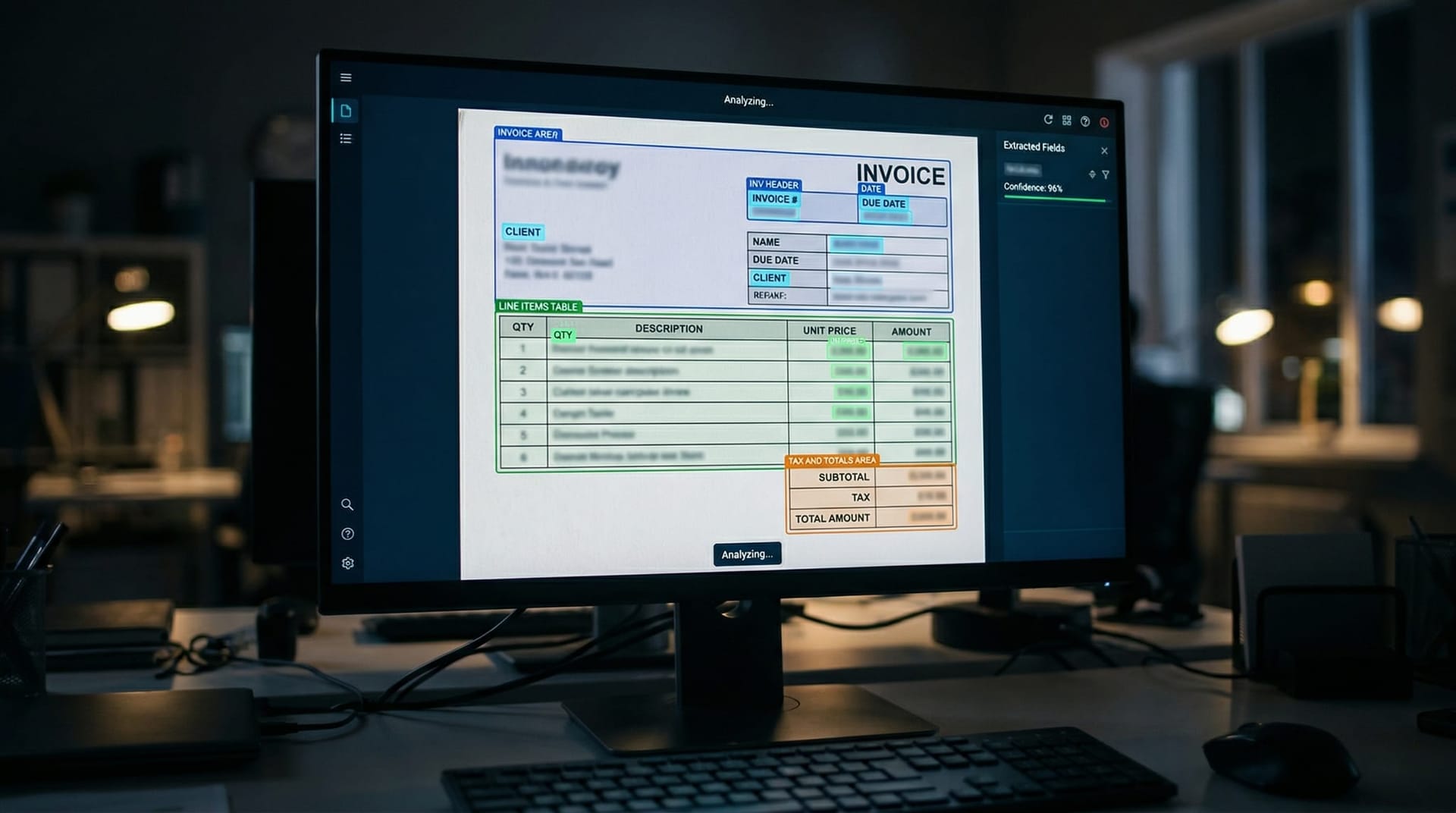
Vision AI refers to machine learning models that can “see” — they process images, photographs of documents, scanned PDFs, and even handwritten notes the same way a human would, but they output structured data instead of just a visual impression.
Until recently, optical character recognition (OCR) was the best tool available for document digitization. OCR works fine for clean, typed text on a white background. It falls apart with complex table layouts, charts, handwritten notes, faded ink, or documents photographed at an angle on a warehouse floor.
Vision language models like IBM's Granite 4.0 3B Vision represent a fundamentally different approach. According to IBM's technical documentation on Hugging Face, the model uses a “DeepStack” architecture that routes visual features into multiple layers of the transformer — abstract features go to earlier layers for semantic understanding, while high-resolution spatial features go to later layers for detail preservation. In plain English: it understands both what a document says and where things are on the page.
For a Fort Wayne manufacturer receiving 200 supplier invoices per week, this means an AI system that can photograph a stack of paper invoices and extract every line item, total, supplier name, and due date into a spreadsheet — without a human touching a keyboard. For a Parkview Health clinic processing patient intake forms, it means handwritten medical histories converted to structured EHR data in seconds.
The practical difference between OCR and vision AI is the difference between a scanner and an employee who reads, understands, and files every document correctly. If you've already explored our Fort Wayne business automation guide, think of vision AI as the missing piece that handles the physical-to-digital gap.
How Accurate Is Vision AI for Document Processing in 2026?
Accuracy is the question that matters. Nobody wants to automate a process if the AI gets 30% of the data wrong and you end up fixing errors all day.
IBM's Granite 4.0 3B Vision puts up numbers that answer the accuracy question decisively. Here's how it performs on standard document extraction benchmarks, based on IBM's published results:
| Task | Benchmark | Granite 4.0 3B Vision Score | Rank |
|---|---|---|---|
| Table extraction (cropped) | PubTablesV2 | 92.1 TEDS | 1st among all models |
| Table extraction (full page) | PubTablesV2 | 79.3 TEDS | 1st among all models |
| Table extraction (complex) | OmniDocBench | 64.0 TEDS | 1st among all models |
| Table Q&A extraction | TableVQA | 88.1 TEDS | 1st among all models |
| Chart summarization | Chart2Summary | 86.4% | 1st among all models |
| Chart to CSV conversion | Chart2CSV | 62.1% | 2nd (behind model 2x its size) |
| Key-value pair extraction | VAREX (1,777 US gov forms) | 85.5% exact match | 1st among all models |
The TEDS metric (Tree-Edit-Distance-based Similarity) captures both structural accuracy and content accuracy — it doesn't just check if the text is right, it checks if the table structure is right. A 92.1 score on cropped table extraction means the model correctly identifies rows, columns, merged cells, and content with very few errors.
The VAREX benchmark is particularly relevant for Fort Wayne businesses: it tests extraction on 1,777 real U.S. government forms ranging from simple flat layouts to complex nested and tabular structures. An 85.5% zero-shot exact match rate means the model can process government compliance forms — the kind manufacturing companies file regularly — without any custom training.
For context, the model that beats Granite 4.0 on Chart2CSV (Qwen3.5-9B) has more than double the parameters. Granite achieves near-top performance across every benchmark while remaining small enough to deploy locally.
What Documents Can Fort Wayne Manufacturers Automate?
Fort Wayne's manufacturing sector runs on paper more than most industries want to admit. Here's where vision AI creates immediate value — and where we've seen the strongest demand from our manufacturing AI Employee clients:
Purchase Orders and Supplier Invoices
Every manufacturer receives POs and invoices in different formats — some typed, some handwritten, some faxed, some photographed from a phone on the receiving dock. Vision AI extracts supplier name, line items, quantities, unit prices, totals, and payment terms regardless of format. The structured data feeds directly into your ERP or accounting system.
Quality Inspection Reports
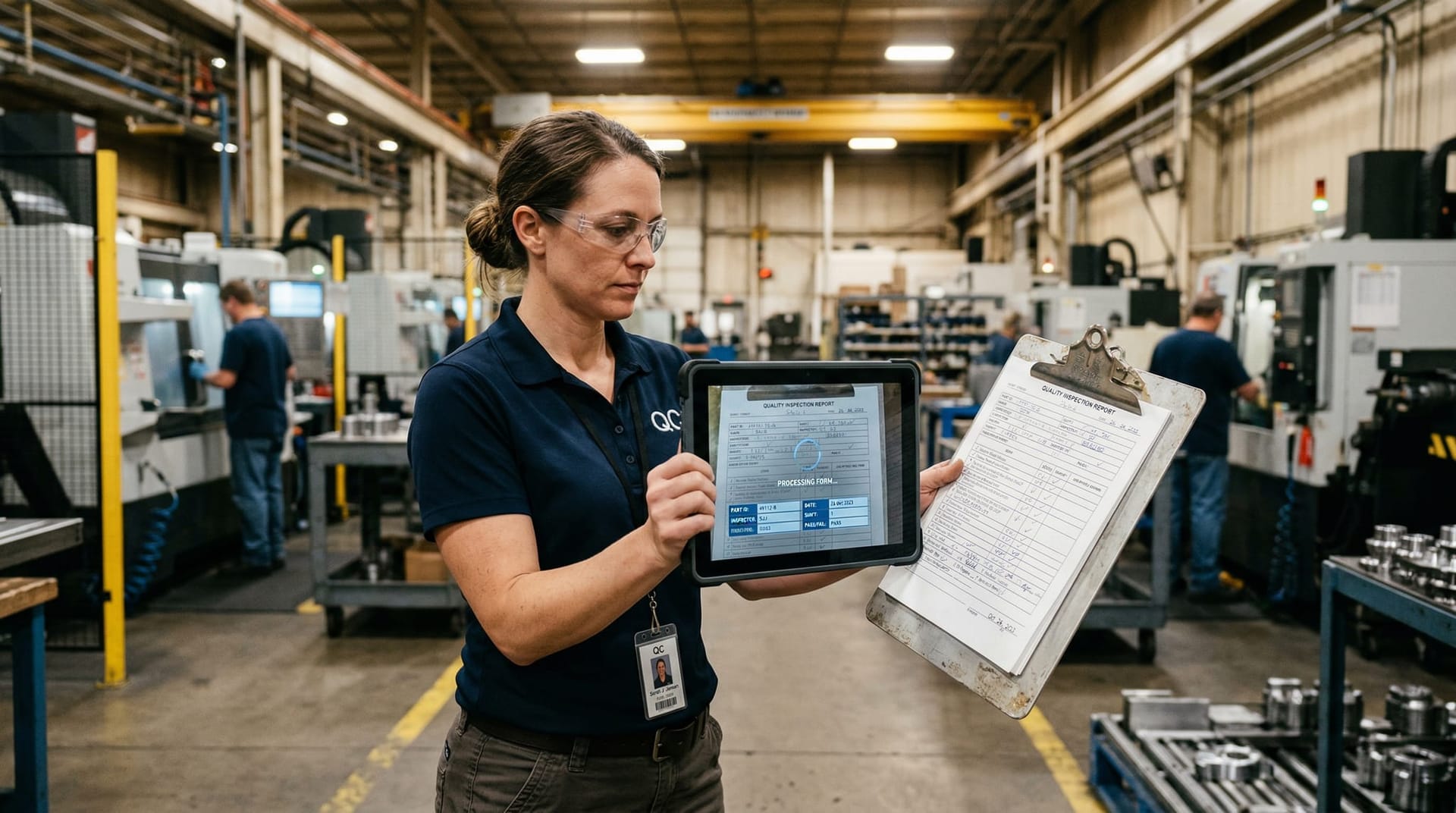
Quality teams on the production floor often fill out inspection forms by hand. Vision AI reads handwritten checkboxes, measurements, pass/fail designations, and inspector notes, then routes the data to your quality management system. No more waiting for someone to type up yesterday's inspections.
Shipping and Receiving Documents
Bills of lading, packing slips, and delivery receipts arrive in every format imaginable. Vision AI standardizes them into structured records linked to the correct PO — closing the loop on every shipment.
Compliance and Certification Documents
ISO certifications, material safety data sheets, supplier audit reports — these documents pile up in filing cabinets. Vision AI extracts key data points and flags expiration dates, making compliance audits far less painful.
The 98 things your AI Employee can do list covers many of these capabilities. Adding vision processing to an AI Employee expands that list significantly — any task that starts with “read this document and enter the data into...” becomes automatable.
How Does Vision AI Help Fort Wayne Healthcare and Legal Practices?
Manufacturing isn't the only document-heavy industry in Northeast Indiana. Healthcare and professional services firms face their own paper mountains.
Healthcare: Patient Intake and Insurance Processing
Parkview Health and Lutheran Health Network serve hundreds of thousands of patients across Northeast Indiana. Every patient visit generates paperwork — intake forms, insurance cards, referral letters, prior authorization requests. Much of this still arrives on paper or as photographed documents.
Vision AI processes patient intake forms — extracting names, dates of birth, insurance IDs, medication lists, and medical history entries from handwritten forms — and maps them to structured fields in the electronic health record. For practices handling this manually today, the time savings are measured in hours per day, not minutes.
For healthcare-specific deployment considerations, including data handling requirements, see our guide to HIPAA-compliant AI Employees. The critical detail: Granite 4.0 runs locally under Apache 2.0 licensing, meaning patient documents can be processed on-premise without sending data to external cloud APIs.
Legal: Contract and Case Document Analysis
Fort Wayne's legal community — from downtown firms to solo practitioners in Allen County — deals with contracts, court filings, discovery documents, and client correspondence. Vision AI extracts key clauses, dates, party names, and obligations from scanned contracts. For personal injury firms handling police reports and medical records, the extraction capabilities are directly applicable to case intake workflows.
Accounting and Financial Services
Tax season means boxes of receipts, W-2s, 1099s, and client financial statements. Vision AI with 85.5% zero-shot accuracy on government forms means tax documents can be processed and categorized with minimal human review.

Can Vision AI Run Locally Without Sending Documents to the Cloud?
This is the question that stops most Fort Wayne business owners in their tracks — and the answer is yes.
IBM's Granite 4.0 3B Vision was designed for local deployment. At roughly 3 billion parameters (delivered as a LoRA adapter on the Granite 4.0 Micro base model), it's compact enough to run on standard commercial hardware. According to IBM's model documentation, the modular LoRA design means you can run both vision and text-only workloads from a single deployment — no need for separate infrastructure.
The Apache 2.0 license means there are no usage restrictions, no per-document API fees, and no requirement to send data to IBM's servers. You own the deployment.
This matters enormously for three reasons:
- Data sovereignty. Manufacturing trade secrets, patient health records, legal case files, and financial data never leave your network. There's no third-party data processing agreement to negotiate, no cloud vendor to audit.
- Cost predictability. Cloud-based document processing APIs charge per page or per API call. Processing 10,000 invoices per month through a cloud API adds up fast. Local deployment means your cost is the hardware — a one-time investment. Our analysis of why local AI agents are eliminating the “token tax” covers the economics in detail.
- Speed. No network round-trip. Documents process at the speed of your local hardware, not the speed of your internet connection. For a manufacturer processing documents on the production floor, this means real-time extraction.
The trend toward local, open-source AI models is accelerating across the industry. Microsoft recently released three new in-house AI models (MAI-Transcribe-1, MAI-Voice-1, and MAI-Image-2) through its Foundry platform, as VentureBeat reported — signaling that even the largest tech companies are building specialized, deployable AI capabilities rather than relying solely on general-purpose cloud models.
What Does It Actually Cost to Automate Document Processing?
Let's talk real numbers. The cost equation for document automation has three components: the AI model, the integration, and the ongoing operation.
The AI Model: Free
Granite 4.0 3B Vision is open-source under Apache 2.0. You pay nothing for the model itself. No license fees, no per-seat charges, no per-document API costs. This is a genuine shift from even two years ago, when enterprise-grade vision AI required six-figure licensing agreements.
The Hardware: Modest
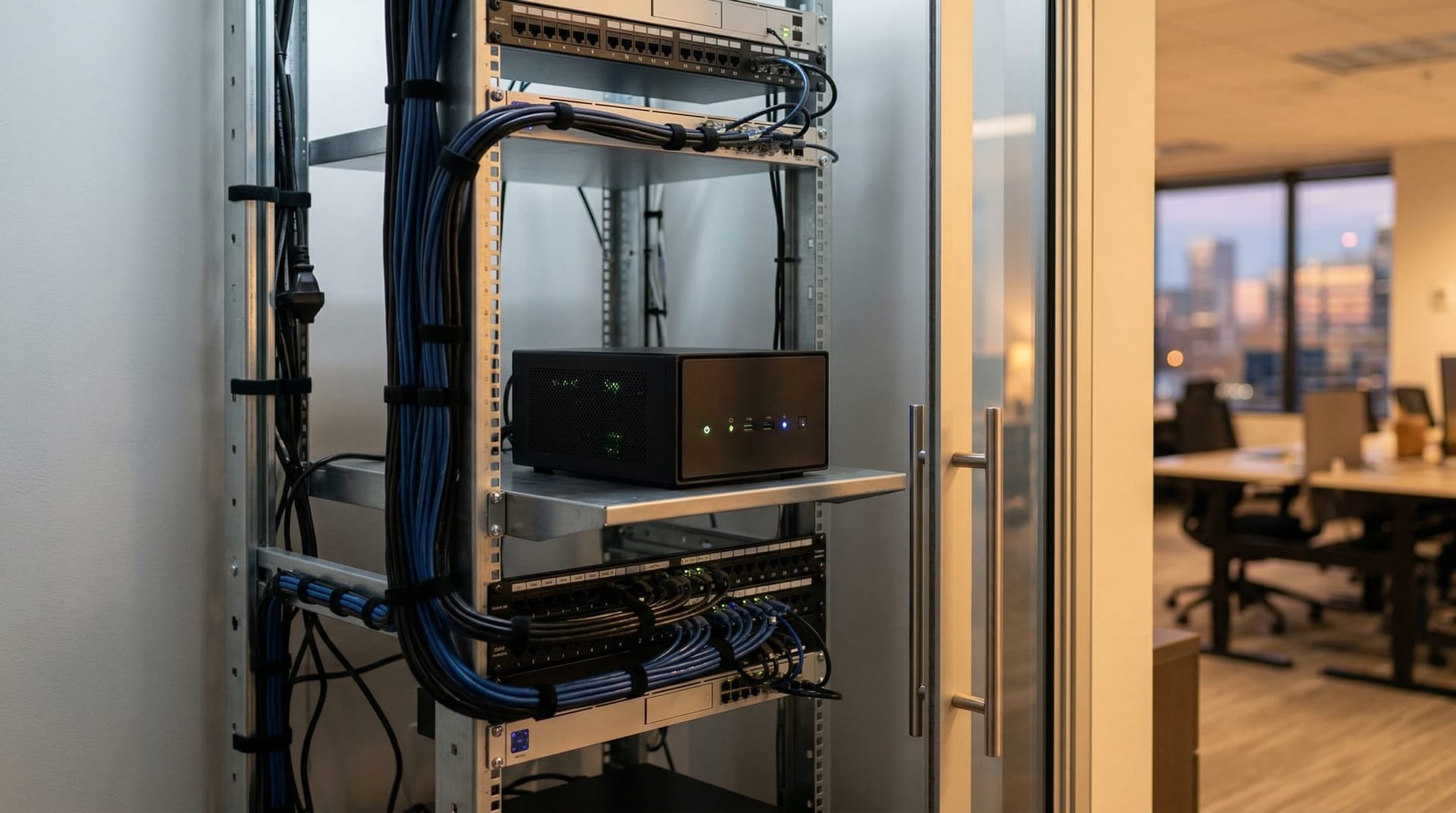
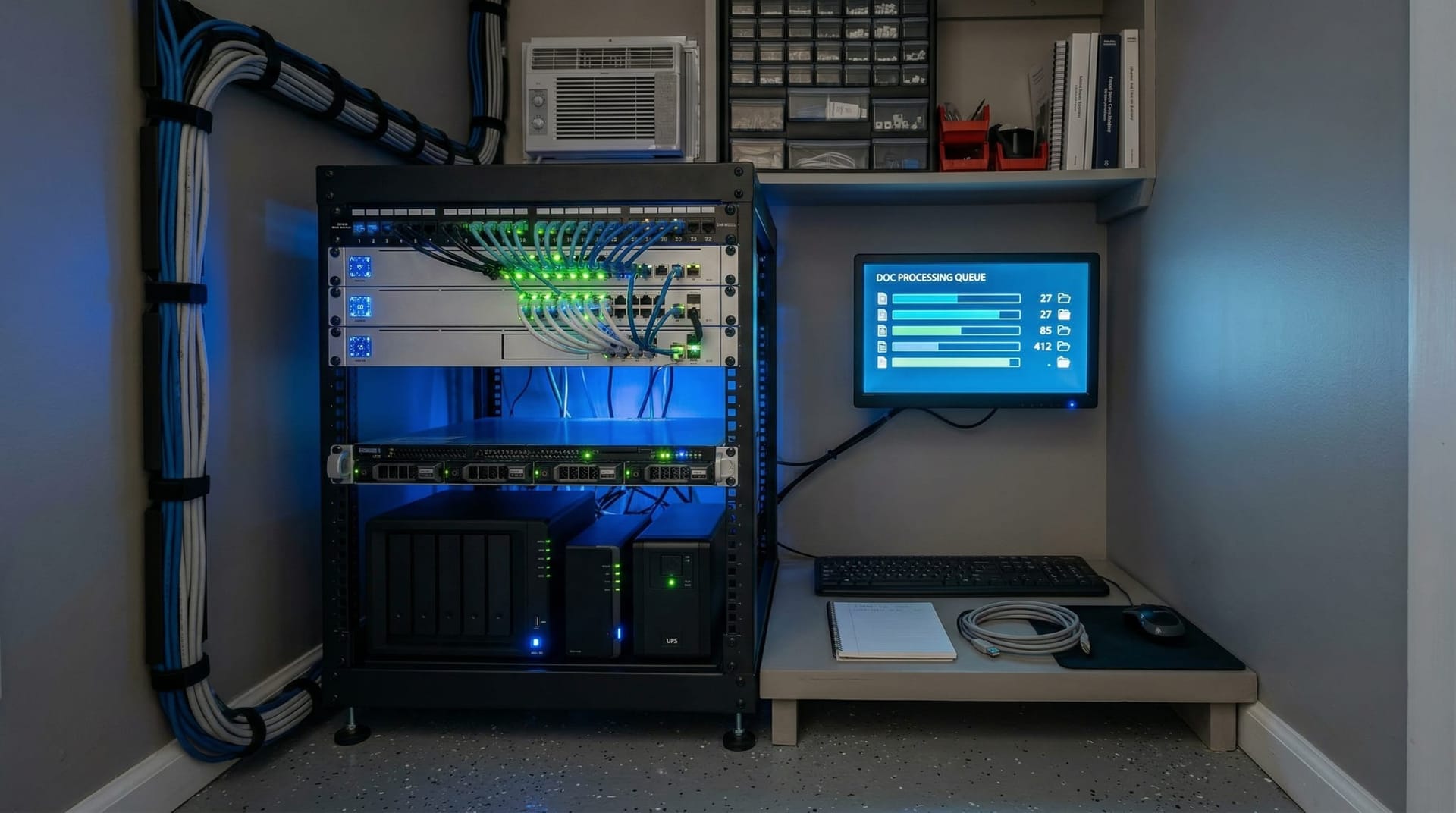
A model this size runs on a modern workstation with a mid-range GPU. You don't need a server room or a data center. Many Fort Wayne manufacturers already have workstations capable of running this model sitting unused or underutilized.
The Integration: Where the Value Lives
The model extracts data. But extracted data is only useful if it flows into your existing systems — your ERP, your CRM, your accounting software, your quality management platform. This is where an AI Employee earns its keep: it handles the extraction, the validation, the routing, and the exception flagging in one integrated workflow.
Our AI Employee ROI guide walks through the math for different business sizes and document volumes. The short version: if you're paying even one full-time employee to do manual data entry from paper documents, the ROI on document automation is measured in months, not years.
What About Integration With Existing Workflows?
IBM's documentation highlights integration with Docling for multi-page PDF processing — automated detection, segmentation, and cropping of visual elements within larger documents. For Fort Wayne businesses already using document management systems, this means the AI can process an entire filing cabinet of scanned PDFs, extracting tables, charts, and form fields from each page automatically.
For businesses new to AI automation, our first week with an AI Employee guide covers what the onboarding process actually looks like — including how document processing workflows get configured for your specific document types.
Why Move Now?
Fort Wayne's workforce challenge isn't going away. Hiring reliable data entry and administrative staff remains one of the toughest recruiting problems in the manufacturing corridor. The workers who handle document processing are the same workers being recruited by every other employer in the region.
Vision AI doesn't replace your best people. It replaces the most tedious, error-prone part of their day. The quality inspector who spends 45 minutes typing up inspection reports can instead spend that time on the floor catching problems. The accounts payable clerk who processes 200 invoices per week manually can focus on vendor relationships and payment optimization.
Northeast Indiana has always been a region that builds things. Document automation through vision AI is how those strengths scale without proportionally scaling headcount. If your business processes more than 50 documents per week manually, the technology is ready and the economics work.
Explore our AI automation services to see how document processing fits into a broader automation strategy, or contact our team to discuss how a vision-capable AI Employee can be configured for your specific document types — whether that's supplier invoices on a manufacturing floor, patient intake forms in a clinic, or contracts in a law office.

Frequently Asked Questions
Q1.What types of documents can vision AI process?
Vision AI models like IBM Granite 4.0 3B Vision can process typed documents, handwritten forms, photographed papers, scanned PDFs, charts, tables, invoices, and complex multi-column layouts. The model handles everything from clean printed text to handwritten notes on inspection forms, achieving 85.5% zero-shot exact match accuracy on complex government forms according to the VAREX benchmark.
Q2.Does document data need to be sent to the cloud for processing?
No. Granite 4.0 3B Vision is designed for local deployment and runs on standard commercial hardware. Under its Apache 2.0 license, you can deploy the model entirely on-premise. Your documents never leave your network, which is critical for businesses handling sensitive manufacturing data, patient health records, or legal documents.
Q3.How accurate is vision AI compared to traditional OCR?
Traditional OCR works well for clean, typed text but struggles with complex table layouts, charts, handwritten content, and photographed documents. Vision AI understands both content and spatial layout — IBM’s Granite model scores 92.1 on the TEDS metric for table extraction, meaning it correctly identifies rows, columns, merged cells, and content with high structural accuracy. OCR has no equivalent capability for chart or table structure understanding.
Q4.What hardware do I need to run vision AI locally?
Granite 4.0 3B Vision is compact enough to run on a modern workstation with a mid-range GPU. The model is delivered as a LoRA adapter on top of the Granite 4.0 Micro base model, keeping the total parameter count manageable. You do not need dedicated server infrastructure or a data center — many existing business workstations are sufficient.
Q5.Is vision AI HIPAA-compliant for healthcare documents?
The technology itself is HIPAA-compatible because it can run entirely on-premise with no external data transmission. However, HIPAA compliance depends on the full deployment — physical security, access controls, audit logging, and BAA agreements with any service providers involved. Local deployment of an open-source model gives you maximum control over the compliance posture.
Q6.Why is document automation especially relevant for Fort Wayne businesses?
Fort Wayne’s economy is concentrated in manufacturing, healthcare, and professional services — three of the most document-heavy industries. Combined with a tight labor market that makes hiring data entry and administrative staff difficult, local businesses face a compounding problem: growing document volumes with fewer people to process them. Vision AI addresses both sides of that equation by automating extraction at a fraction of the cost and time of manual processing.
Q7.What’s the ROI of automating document processing?
ROI depends on your current document volume and labor costs. A business processing 200 invoices per week manually — at approximately 5 minutes per invoice for data entry — spends roughly 17 hours per week on data entry alone. Automating that workflow to seconds per document frees those hours for higher-value work. For most businesses processing more than 50 documents per week, the payback period is measured in months.
Sources & Further Reading
- MarkTechPost: marktechpost.com — IBM Releases Granite 4.0 3B Vision — Coverage of IBM's open-source vision language model for enterprise document extraction.
- Hugging Face / IBM Granite: huggingface.co — Granite 4.0 3B Vision: Compact Multimodal Intelligence — Technical documentation including DeepStack architecture and benchmark results.
- VentureBeat: venturebeat.com — Microsoft Launches 3 New AI Models — Context on the broader industry trend toward specialized, deployable AI models.
- Hugging Face: huggingface.co — IBM Granite 4.0 3B Vision Model Card — Model card with deployment specifications, LoRA architecture details, and license information.
Ready to Eliminate Your Paper Problem?
Vision AI turns stacks of invoices, forms, and reports into structured data — automatically. Let's discuss how document automation fits your Fort Wayne business.