If you own a business in Fort Wayne and you have a ChatGPT tab open right now, you are already ahead of most owners — and almost certainly underusing the thing. That is the strange truth about how to use AI for business in 2026: the tools are far better than the habits we have built around them. Most owners dabble in a chat window, get one decent answer, and close the tab. Meanwhile the model on the other side of that tab is capable of running entire workflows you are still doing by hand.
This is a practical AI adoption playbook for small business owners — written for the way work actually happens in Northeast Indiana, not for a conference keynote. We are going to borrow the best hands-on advice available, translate it into concrete moves, and then show what it looks like when an Auburn fab shop or an Allen County home-services owner stops experimenting and starts deploying. The Wharton professor Ethan Mollick, who writes the widely-read One Useful Thing newsletter, put it well: “The future of AI isn't just about better models. It's about people figuring out what to do with them.” So let us figure out what to do with them — starting Monday morning.
This is a getting-started guide with teeth. By the end you will know which model to reach for, the single habit that turns a casual user into a fluent one, when to trust the output and when to verify it, and where the line sits between you typing into a chat box and an AI Employee that runs the job 24/7.
Key Takeaways
- Pick one paid frontier model at the ~$20/month tier and learn it deeply — the leading options are close enough that fluency beats brand-shopping.
- Use AI for everything for one full week; that habit, not any single prompt, is what builds real judgment about where it helps.
- Trust AI for drafts, summaries, and exploration; verify anything high-stakes, because even the best 2026 models still make errors.
- Most owners pay for capable tools and use the free, weaker versions out of habit — closing that gap is the cheapest AI win available.
- A chat window helps you; a deployed AI Employee with guardrails does the work — and that is the real adoption step.
- Northeast Indiana has live momentum: a state initiative, local workshops, and area manufacturers already putting AI to work.
What model should a Fort Wayne owner actually pay for in 2026?
Start with the decision that paralyzes the most people and matters the least: which AI to buy. The honest answer is that the leading paid systems are close enough that the choice barely matters. Mollick's guidance is to pick one paid system at roughly the $20/month tier and learn it well, because for the everyday work most owners do, the frontier models are roughly equivalent — so “pick the one you like best.” Fluency in one tool beats shallow familiarity with three.
That said, the model names matter, because the free tier you have been using is not the frontier. As of mid-2026, the top general-purpose reasoning models are Claude Opus 4.8, GPT-5.5, and Gemini 3.1 Pro. Independent aggregators tracking the major leaderboards, including Fello AI's model roundup and TeamDay's frontier-model tracker, put these three at the head of the pack, with each leaning slightly different: Opus 4.8 tends to top coding and agentic tasks, Gemini 3.1 Pro tends to lead on hard reasoning benchmarks and is typically the cheapest on a per-token basis, and GPT-5.5 tends to win on creative and conversational writing. Treat exact scores as directional; the load-bearing point is that any of the three is a genuine upgrade over a free chatbot.
Here is a model-selection table to short-circuit the analysis paralysis.
| If your priority is... | Reach for | Why |
|---|---|---|
| One tool for everything | Claude Opus 4.8 | Strong all-rounder, leads on coding and multi-step agentic tasks |
| Hardest reasoning / research, lowest token cost | Gemini 3.1 Pro | Tops difficult reasoning benchmarks; typically cheapest per token |
| Marketing copy, email, conversational tone | GPT-5.5 | Strongest creative and conversational writing |
| You already pay for one and like it | Whatever you have | Fluency beats brand-shopping; the differences are small for most work |
The recommendation we give clients is blunt: stop comparing, pick one, and pay the twenty dollars. The cost of indecision is far higher than the cost of choosing “wrong,” because there is no wrong here — only unused capability.

Why do most owners underuse the AI they already pay for?
This is the most expensive mistake in the room, and it is invisible because it feels like progress. You signed up. You use it sometimes. You assume you are an AI adopter. But adoption and fluency are not the same thing, and the data on the gap is stark.
Reporting from CIO on shadow AI found that roughly 49% of workers use AI tools without employer approval, 58% of small-business employees use free public AI tools instead of paid versions, and more than a third use the free version of a tool their company has already paid for. Sit with that last one. Owners and their teams are routinely typing into the weaker, free model while the capable version they are entitled to sits idle. That is not a budget problem. It is a habit problem.
The macro picture confirms the opportunity is real and uneven. The Federal Reserve's analysis of AI adoption found roughly 18% of U.S. firms had adopted AI as of year-end 2025, with professional services leading at around 33% and manufacturing lower but growing fast — up 58% year-over-year in individual usage. Notably, the Fed found that adoption among the very smallest firms is stronger than their size would predict. Small does not mean behind. It means nimble — if you actually use the good tools.
On the demand side, the Small Business & Entrepreneurship Council's 2026 survey reported that 82% of small-business employers have invested in AI tools, 93% plan to keep investing, and the median small business now runs about five AI tools. Investment is not the bottleneck. Getting full value from what you already bought is. As we have argued before, the real leverage is treating AI like a capable new hire, not a generic tool — the owners who win are not the ones with the most subscriptions, they are the ones who treat the tool like a capable new hire instead of a search box.
How do you build the habit — the “use it for everything for a week” rule?
You do not learn AI by reading about AI. You learn it by reaching for it reflexively, and there is exactly one habit that builds that reflex: use it for everything for one full week.
The instruction is literal. Every time you would normally do a task that involves words, thinking, or research — drafting an email, summarizing a contract, planning a hire, comparing two vendors, writing a job posting, talking through a pricing decision — open the AI first. Most of the time it will help. Sometimes it will not, and that failure is the lesson; you are mapping the boundary of where the tool is strong and where your judgment still wins. Mollick notes that when you look at real usage data, people use AI for far less casual chitchat and far more genuine information-seeking and work than they expect. The week-long experiment is how you discover your own version of that.
A few practical notes from running this with clients:
- Talk to it like a smart colleague, not a search engine. Give it context, paste in the messy details, tell it the constraints. The quality of the output tracks the quality of the setup.
- Ask it to push back. These models are agreeable by default — they tend to flatter your idea back to you. Mollick's fix is direct: tell the model to “act as a critic” when you want honest feedback. “Poke holes in this plan as a skeptical CFO would” beats “what do you think?”
- Use the deep-research modes for real questions. A proper deep-research run takes 10 to 15 minutes and reads dozens of sources for you. That is a research analyst's afternoon compressed into a coffee break.
If you want a concrete inventory of what to throw at it during that week, we keep the long list of jobs an AI Employee already handles — front-desk replies, RFQ summaries, follow-up sequences, meeting notes, first-draft proposals. The week is not about finding one magic use. It is about building the reflex to reach for it at all.

When should you trust the AI, and when must you verify?
Trust is not all-or-nothing, and treating it that way is how owners either get burned or never adopt at all. The right model is a spectrum keyed to stakes.
The good news first: newer models are genuinely better at not making things up than their predecessors, and Mollick notes that answers are more likely to be correct when they come from advanced models and when the AI has actually done a web search rather than answering from memory. The honest caveat second: no matter how good the AI is, it will still make errors. That is not a defect you can prompt away. It is a property of the technology, and your process has to assume it.
So the rule we recommend is simple. Trust freely for low-stakes, reversible work — first drafts, brainstorming, summarizing your own documents, exploring options, reformatting. The cost of an error is a quick edit. Verify rigorously for high-stakes, irreversible work — anything you will send to a regulator, a court, a customer's contract, a tax filing, or a medical decision. The cautionary tales here are real: AI tools have fabricated legal citations confidently enough that lawyers have been sanctioned for filing them, and accuracy degrades in specialized domains where the model has thin training data. A confident tone is not evidence. A cited, checkable source is.
This is also where the chat-window approach starts to show its ceiling. When it is just you in a tab, verification depends entirely on you remembering to do it, every time, while busy. That is exactly the friction that a properly deployed AI Employee is built to remove — the guardrails, source-citation requirements, and human-approval checkpoints are part of the system, not a thing you have to remember at 4:45 on a Friday. We unpacked the gap between a chat window and a deployed AI Employee in detail, but the short version is this: a chat box trusts your discipline; a deployed system enforces it.
What's the difference between dabbling in a chat window and deploying an AI Employee?
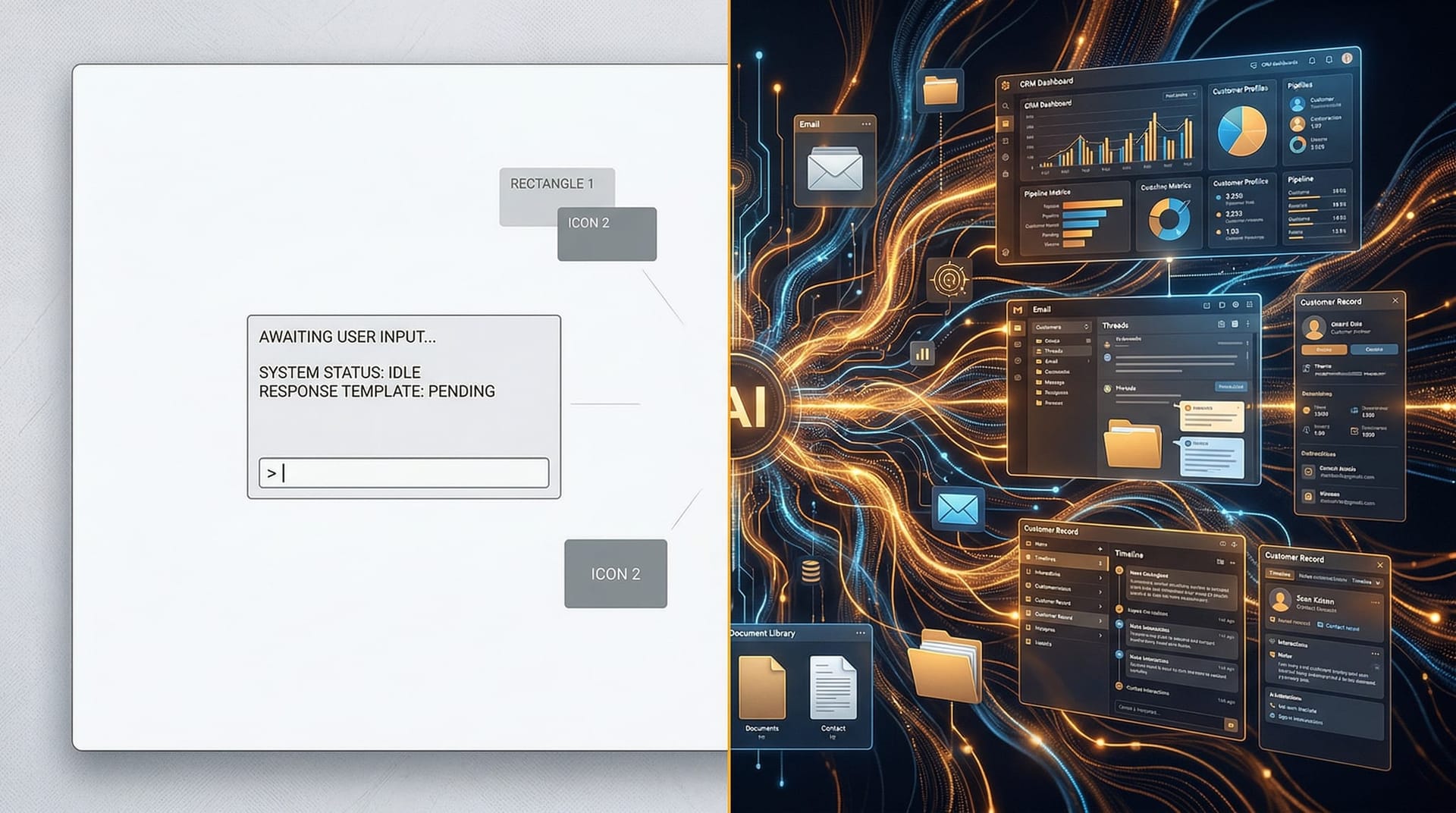
Here is the leap most owners have not made yet, and it is the one that actually changes the business. Using ChatGPT is something you do. An AI Employee is something that runs. One is a tool you pick up; the other is a worker you onboard.
The distinction is not cosmetic. A chat session starts cold every time, lives in your browser, has no memory of yesterday, takes no action on its own, and only works when you are sitting there driving it. A deployed AI Employee is connected to your actual systems — your inbox, your CRM, your scheduling, your quoting tool — carries context forward, operates inside permission boundaries you set, and works while you sleep. The governance piece is not optional: Deloitte's enterprise AI research has highlighted that only about one in five organizations have a mature governance model for autonomous agents — which is precisely why deployment is something you do deliberately, with guardrails, rather than by leaving a chat window open.
| You in a chat window | A deployed AI Employee | |
|---|---|---|
| When it works | Only when you’re driving it | 24/7, on its own |
| Memory | Forgets each session | Persistent context across the workflow |
| Systems access | Copy-paste in and out | Connected to inbox, CRM, scheduling, quoting |
| Action | You execute everything | Acts within set permissions |
| Guardrails | Depend on your discipline | Built into the system |
| Verification | You must remember | Enforced checkpoints and source citations |
| Best for | Drafting, exploring, one-offs | Running a repeatable workflow end to end |
The progression is the point. The chat window is where you build fluency and discover what is worth automating. The AI Employee is where that discovery becomes leverage. Skipping the chat-window phase leaves you automating things you do not understand; staying in it forever leaves real value on the table. The owners getting the most out of 2026 are the ones who use the week-long habit to find the workflow, then deploy an employee to run it — which is exactly how moving from casual use to a deployed AI Employee actually works when it is done right.

What does this look like Monday morning in Northeast Indiana?
This is not a coastal story. The momentum is local and it is moving fast. On April 28, 2026, Governor Mike Braun launched the “IN AI” initiative, a state push aimed at reaching more than a million Hoosiers and thousands of employers around a “human-centered AI” framing. Indiana ranks 35th nationally for businesses using AI — but rises to 6th when adjusted for its manufacturing sector, with Fort Wayne firms already cited using AI for market research and inventory. Right here in town, Greater Fort Wayne Business Weekly reported on a free Conexus and Greater Fort Wayne workshop — “Building a Tech and AI Adoption Roadmap,” held at Fort Wayne Metals — where local manufacturers named their real barriers: tight staff capacity, competing priorities, and tighter budgets. Notably, Fort Wayne Metals had already deployed an AI-powered assistant as an HR salary advisor. That is a real Allen County company putting a real AI worker into a real process.
So picture Monday concretely. Imagine a Fort Wayne dental front desk drowning in voicemails and appointment-confirmation tag — an AI Employee answers routine calls, confirms and reschedules, and hands off only the genuinely human moments. Imagine an Auburn fab shop where RFQs pile up faster than the estimator can read them — an AI Employee triages each one, pulls specs into a draft quote, and flags the edge cases for human pricing. These are illustrations, not named clients, but the pattern is exactly what the local workshops are pointing toward.

For more on how area owners are framing this shift, see what a Nobel economist told Fort Wayne owners about AI.
Ready to move from dabbling to deployed?
You can do the week-long habit on your own — and you should, this week. But the jump from “I use ChatGPT sometimes” to “an AI Employee runs my front desk” is the part where most owners stall, and it is the part we built Cloud Radix to handle. We help Northeast Indiana businesses identify the right workflow, set the guardrails, connect the systems, and onboard an AI Employee that actually runs the job.
If you want to understand the model before you commit, start with why AI Employees make sense for a small team, then look at how we deploy AI Employees for firms like yours. When you are ready to scope your first one, talk to us — we will walk your Monday-morning workflow and tell you honestly whether it is ready to deploy or worth piloting first.
Frequently Asked Questions
Q1.Which AI model should a small business owner pay for in 2026?
Pick one paid frontier model at the roughly $20/month tier and learn it well. The leading options — Claude Opus 4.8, GPT-5.5, and Gemini 3.1 Pro — are close enough for everyday business work that fluency in one beats shallow use of several. Choose the one whose tone and interface you prefer and commit to it.
Q2.How do I actually get started using AI for my business?
Use it for everything for one full week. Every task involving words, research, or decisions — open the AI first. That single habit builds the judgment to know where it helps and where your experience still wins, and it surfaces the repeatable workflows worth automating later.
Q3.When should I trust AI output and when should I double-check it?
Trust it freely for low-stakes, reversible work like first drafts, summaries, and brainstorming. Verify rigorously for high-stakes, irreversible work such as legal filings, contracts, tax, or medical decisions. Even the best 2026 models still make errors and can sound confident while being wrong, so a checkable source always beats a confident tone.
Q4.What is the difference between using ChatGPT and deploying an AI Employee?
A chat window is a tool you operate manually, session by session, with no memory and no system access. A deployed AI Employee is connected to your inbox, CRM, and tools, carries context forward, acts within set permissions, and runs the workflow 24/7 with built-in guardrails. One helps you work; the other does the work.
Q5.Are most small businesses really underusing the AI they pay for?
Yes. Industry reporting indicates more than a third of employees use the free version of a tool their company already pays for, and most small-business staff default to free public AI over paid versions. Closing that gap — simply using the capable version you are entitled to — is often the cheapest AI improvement available.
Q6.Is Northeast Indiana actually adopting AI, or is this a big-city trend?
It is local and active. Indiana launched the statewide “IN AI” initiative in 2026, Fort Wayne hosted a free AI adoption-roadmap workshop at Fort Wayne Metals, and area manufacturers are already deploying AI assistants. Indiana ranks 6th nationally for AI use once adjusted for its manufacturing base.
Q7.Do I need guardrails before deploying an AI Employee?
Yes, and that is the main reason deployment differs from casual chat use. Only about one in five organizations have mature governance for autonomous agents, so permissions, source-citation requirements, and human-approval checkpoints should be set up deliberately before an AI Employee touches live systems and customers.
Sources & Further Reading
- One Useful Thing (Ethan Mollick): oneusefulthing.org/p/an-opinionated-guide-to-using-ai — An Opinionated Guide to Using AI
- Board of Governors of the Federal Reserve System: federalreserve.gov/econres/notes/feds-notes/monitoring-ai-adoption-in-the-u-s-economy-20260403.html — Monitoring AI Adoption in the U.S. Economy
- Small Business & Entrepreneurship Council: sbecouncil.org/2026/04/25/the-ai-tools-small-businesses-are-using — The AI Tools Small Businesses Are Using
- CIO (Foundry): cio.com/article/4124760/roughly-half-of-employees-are-using-unsanctioned-ai-tools — Roughly half of employees are using unsanctioned AI tools — and enterprise leaders are major culprits
- Fello AI: felloai.com/best-ai-models — The Best AI Models (2026 frontier leaderboard)
- TeamDay: teamday.ai/blog/frontier-ai-models-february-2026 — Frontier AI Models — February 2026
- Deloitte: deloitte.com/us/en/what-we-do/capabilities/applied-artificial-intelligence/content/state-of-ai-in-the-enterprise.html — State of AI in the Enterprise 2026
- Greater Fort Wayne Business Weekly: fwbusiness.com/news/article_727db61f — Industry Exchange Series: Building a Tech and AI Adoption Roadmap
- WFYI: wfyi.org/statewide/2026-04-28/braun-says-ai-can-help-indiana-businesses-launches-new-initiative — Braun says AI can help Indiana businesses, launches new initiative
Turn This Week's Experiment Into a Working AI Employee
Run the week-long habit, find the workflow that is eating your time, and let Cloud Radix deploy an AI Employee to run it — with the guardrails, system connections, and verification checkpoints built in. We will walk your Monday morning and tell you honestly what is ready to deploy.
Scope Your First AI Employee