For most of the last three years, an “AI deliverable” — whatever your AI Employee handed back — looked exactly like the deliverables that came before it: a wall of text, a summary you copied into an email, or a PDF somebody had to re-key into a spreadsheet before anyone could act on it. Nobody got a living dashboard; they got a document. The intelligence was new. The packaging was not. You still received a snapshot — frozen the moment it was generated, stale by the time it reached the people who needed it.
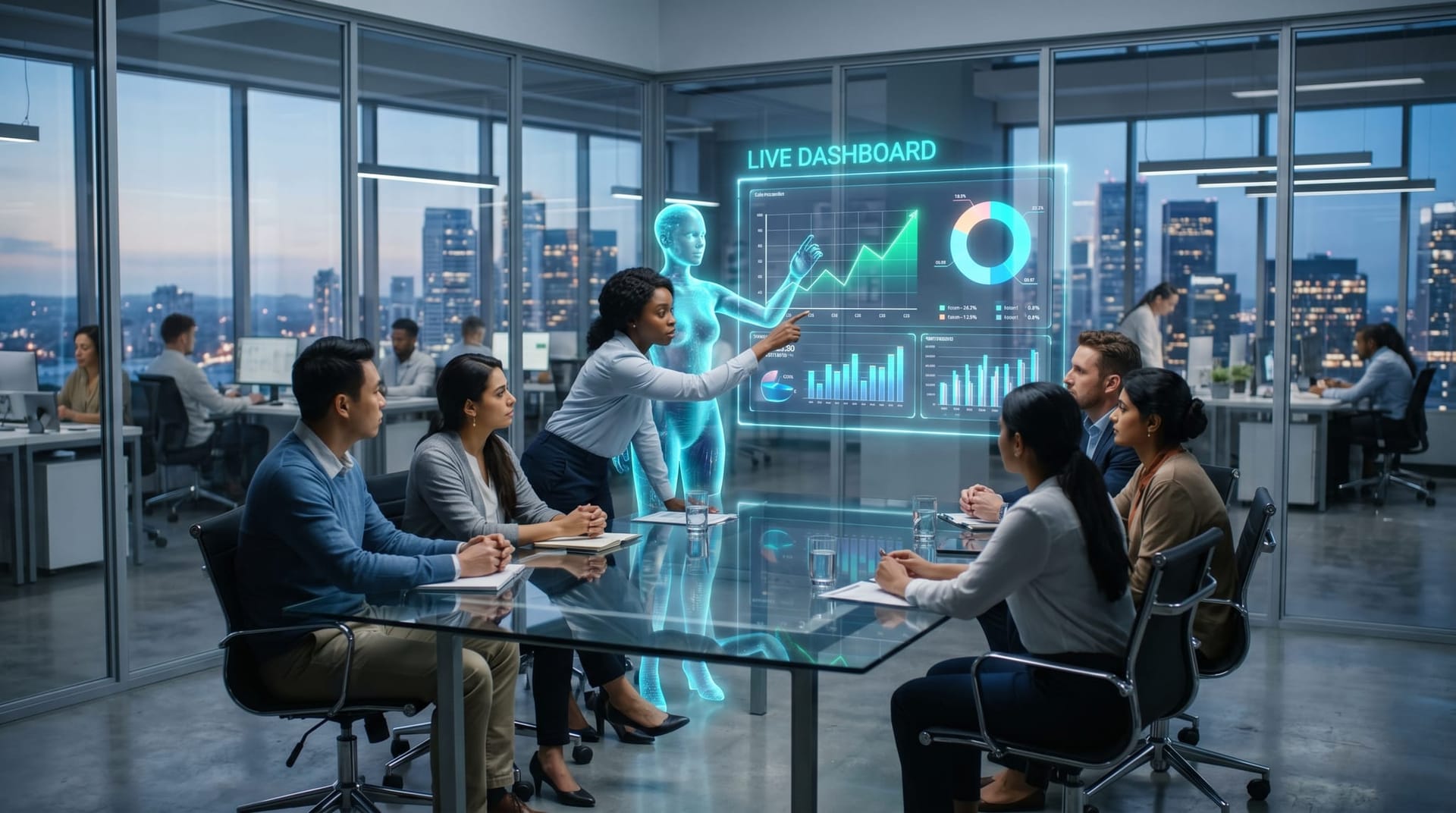
That packaging is what just changed. In mid-June 2026, Anthropic shipped an update to Claude Code Artifacts that, according to VentureBeat's reporting, turns an AI session's output into a live, shared, interactive web page — a dashboard or workspace that updates in real time and that a whole team can open at the same private URL. It is a small product note with a large implication for how mid-market companies should think about what an AI Employee actually hands them.
Key Takeaways
- AI output is shifting from static, one-shot reports to living artifacts — dashboards and workspaces that stay current and that a team can open together.
- Anthropic's Claude Code Artifacts update produces interactive pages that refresh in place as data and code change, with version history and org-only sharing, in beta for Team and Enterprise plans.
- This is a category direction, not a single vendor feature: persistent, sharable, interactive deliverables are becoming the default expectation for agentic AI.
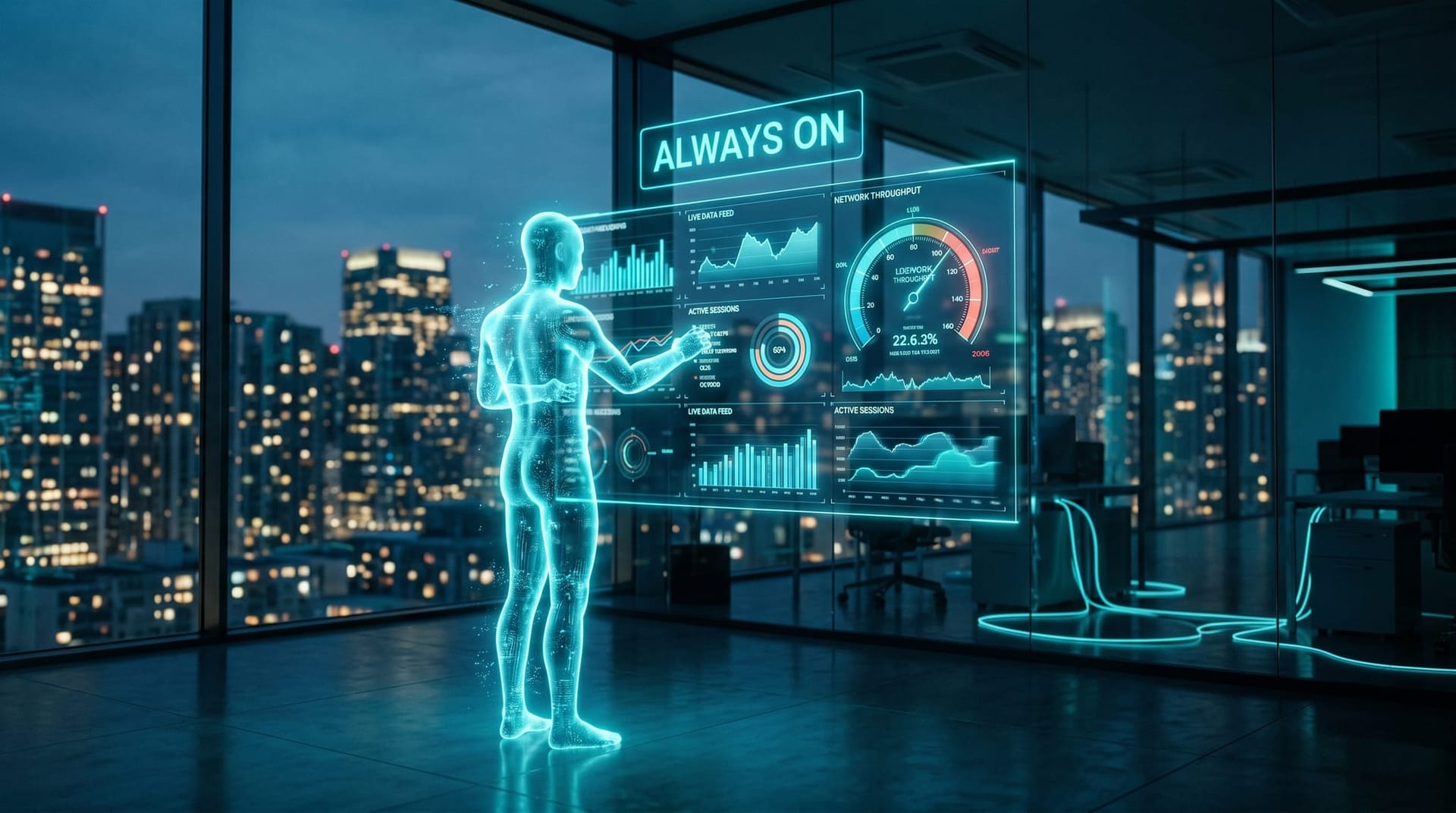
- Operationally, standing weekly reports become always-on dashboards, and your AI Employee maintains the view instead of regenerating a document each cycle.
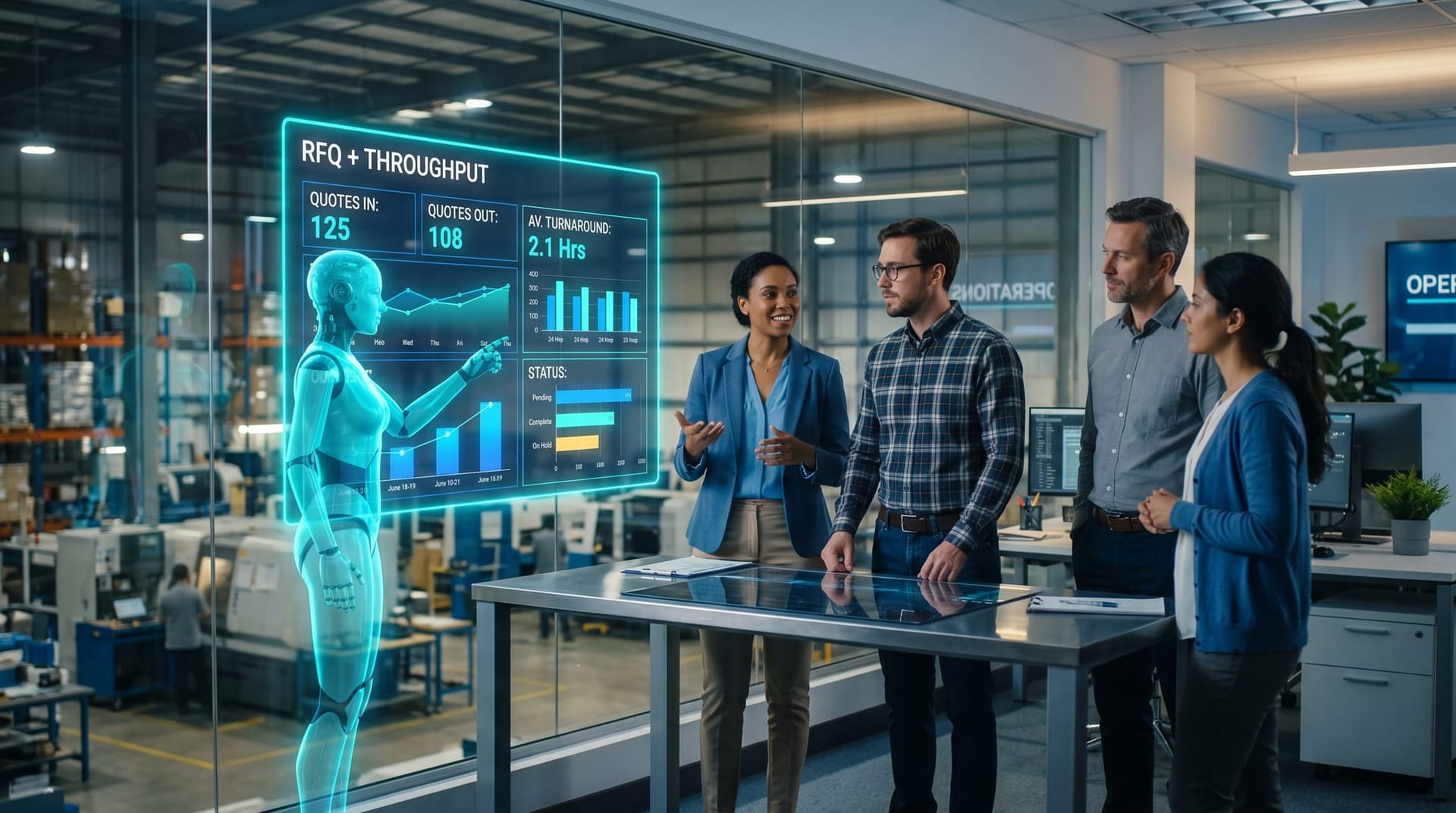
- For Northeast Indiana mid-market teams, the practical win is a live RFQ, throughput, or lead-pipeline board your AI Employee keeps current — not a Monday-morning PDF that's already a week behind.
What Exactly Did Anthropic Change?
The short version: Claude Code can now publish its work as an interactive page instead of dropping it into a chat thread. As the agent works through a session — pulling from your connected data sources, code, and the conversation context — it builds a custom web page that anyone you share with can watch update in real time. As TestingCatalog described it, the page is generated from the full session context, including codebase details, connectors, and conversation history, and it comes with version control so you can see how the artifact evolved.
A few details matter for business buyers more than they might first appear:
- It refreshes in place. The page lives at one URL and updates as the underlying data and code change. You are not regenerating a new document every time something moves.
- It is sharable to a team, privately. DevOps.com reports the artifacts stay private to the organization, with admin-level permission management and org-level controls over access and retention. By default, an artifact cannot be published to the open internet.
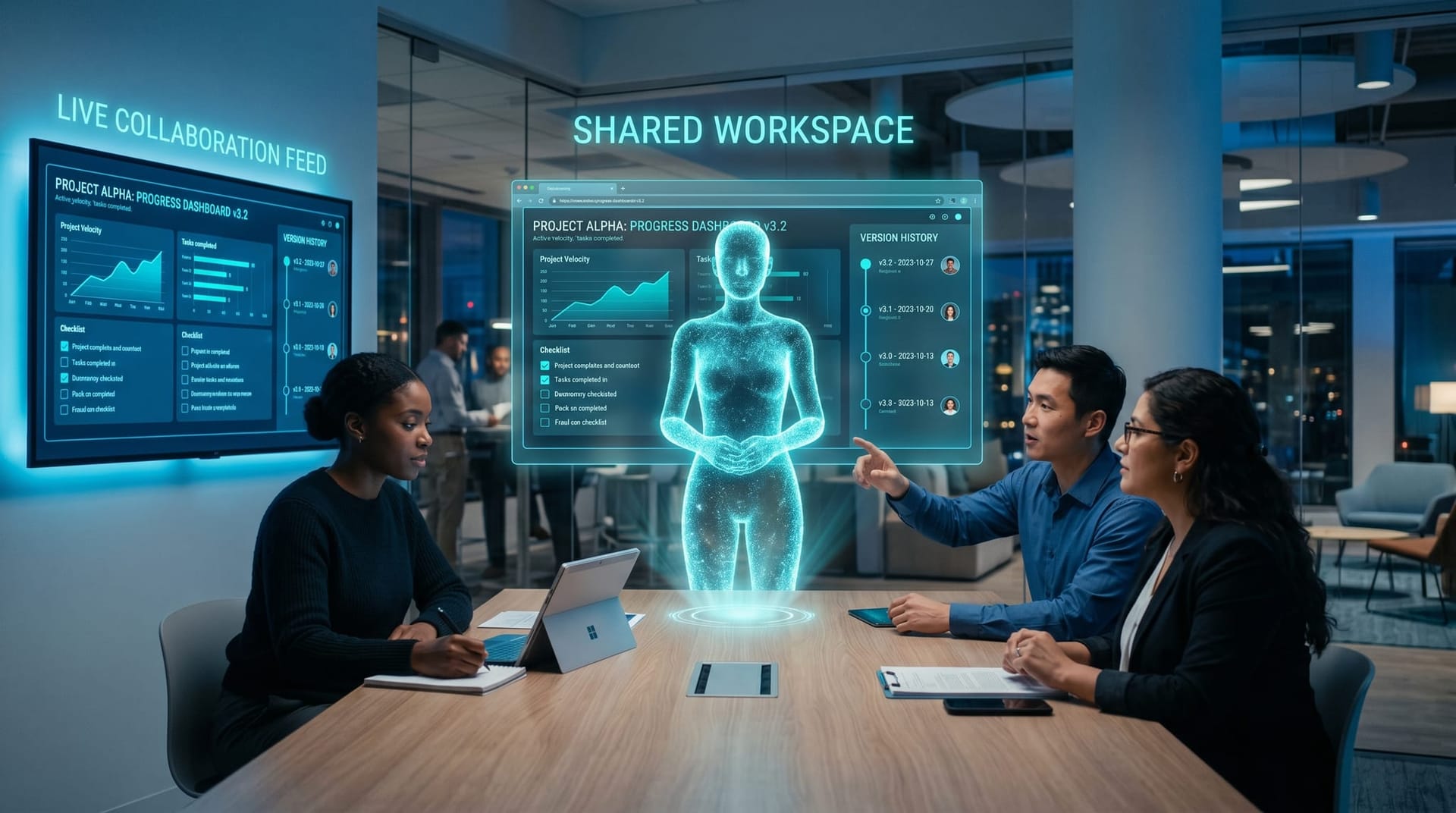
- It keeps version history. Every update publishes a new version, so a teammate can roll back or trace exactly what the agent did and when.
- It is in beta, and it is gated. The capability is available to Claude Team and Enterprise plans through the Claude Code CLI and desktop app, with pages viewable in any browser.
CryptoBriefing framed the launch as turning AI coding sessions into live enterprise dashboards — PR walkthroughs, incident pages, checklists, and operational views. That framing is the tell. The interesting part isn't that an AI can write a dashboard's code. It's that the deliverable itself is alive and shared, rather than a thing one person receives and forwards.
Why “Living Artifact” Beats “Report” for Operations
The gap between a static report and a live view is not cosmetic — it's the gap between information about the past and a tool for the present. Improvado's comparison of static and dynamic reports puts it cleanly: a static report is a fixed document presenting predefined data at a single point in time, while a dynamic report is an interactive visualization that updates automatically to reflect the latest metrics, letting people analyze trends and act on them without waiting.
That difference compounds in daily operations. A static weekly report answers “what happened last week.” By the time an ops manager reads it, decisions have already been made on instinct because the data wasn't there yet. A living artifact collapses that delay. One analysis of dashboards versus static reports describes the shift as letting decision-makers examine and act on current information in seconds rather than waiting for the next reporting cycle.
The market has been moving this direction for years, independent of any one AI vendor. A 2026 dashboard data roundup reports that the global dashboard software market was valued at roughly $5.2 billion in 2023 and is projected to reach about $14.8 billion by 2030 — and that a majority of organizations already lean on digital dashboards for real-time data visualization. Businesses already want live views. What they've lacked is a cheap way to build and maintain one for every recurring question. That's the labor an AI Employee can now absorb.
Here's the operational reframe in one table:
| Old model: the static report | New model: the living artifact |
|---|---|
| Generated on a cycle (weekly, monthly) | Always on, refreshes as data changes |
| One person receives it, then forwards | Team opens the same URL together |
| Stale the moment it's produced | Current whenever you look |
| Re-keyed into a spreadsheet to be useful | Already interactive; act on it in place |
| "Email me the output" | "Share with the team" |
| Regenerated from scratch each cycle | Maintained continuously by the AI Employee |
How Does This Change What Your AI Employee Delivers?
If you've been thinking of an AI Employee as something that produces documents, this update is a nudge to think of it as something that maintains views. The work doesn't end when a report is written; it continues as the AI Employee keeps the artifact accurate.
Concretely, three things change about the deliverable:
1. Standing reports become standing dashboards. The weekly sales recap, the monthly throughput summary, the “where are we on open tickets” rundown — these stop being documents you ask for and become boards that are simply there, current, whenever anyone looks. This is exactly the kind of always-on capability we covered in our look at an AI Employee working while you sleep: the value isn't a one-time output, it's a function that runs continuously.
2. The AI Employee maintains, instead of regenerates. A human analyst rebuilds a report each cycle. An AI Employee assigned to a living artifact updates it as inputs move. That shifts the cost model from “pay for each regeneration” to “pay for a view that stays correct” — a distinction that matters a lot when you run the numbers, as we walk through in our AI Employee ROI guide.
3. Deliverables get shared, not forwarded. Because the artifact is a private team URL with version history, “the report” stops being a thing one person owns and forwards. Everyone sees the same current state. That alone removes a surprising amount of the back-and-forth that eats operational time.
If you're mapping this to specific tasks, our rundown of 98 things an AI Employee can do is a useful menu — and almost every recurring item on it (status tracking, pipeline summaries, throughput monitoring, QA checklists) is a better fit as a living artifact than a static document. It's also how we scope the work when we deploy AI Employee solutions: we don't ask which documents you want generated, we ask which views you need kept current — and then assign an AI Employee to own them.
What You Still Have to Get Right
It would be dishonest to frame this as friction-free, so here are the trade-offs we'd flag before you reorganize your reporting around live artifacts.
A live view is only as trustworthy as its inputs. A dashboard that updates in real time off bad or partial data updates you into a bad decision faster. The discipline of defining which numbers belong on the board — and where they come from — matters more, not less, when the board is always on. Our guide to measuring AI Employee performance is a good starting point for deciding what's worth displaying versus what's noise.
Beta means beta. Anthropic's feature is gated to Team and Enterprise plans and still in beta, with retention and access controls that you should review against your own data-handling policies before pointing it at sensitive systems. “Private by default” is the right posture, but it's a setting to verify, not assume.
Vendor specifics will change; the direction won't. We're deliberately not telling you to standardize on one company's artifact format. The durable point is that interactive, shared, persistent deliverables are becoming the category norm. Build your processes around the capability — a living view your AI Employee maintains — rather than around one vendor's current implementation of it. That keeps you flexible as the tooling matures.
Not everything should be live. Some deliverables — a board memo, a signed-off compliance attestation, a point-in-time financial close — should be frozen snapshots. The goal isn't to make everything a dashboard. It's to stop forcing genuinely live operational questions into a static format that was never right for them.
Someone still has to own the board. A living artifact that nobody is responsible for quietly rots — a metric definition drifts, a data source moves, and the dashboard keeps confidently showing the wrong number. The fix isn't more tooling; it's deciding, up front, which person (or which AI Employee) owns each view and is accountable for its accuracy. An always-on deliverable raises the stakes on ownership precisely because people stop double-checking something that's “always just there.”
What Does a Live Dashboard Look Like for a Northeast Indiana Team?
Strip away the enterprise framing and this lands squarely on the kind of mid-market operations we work with across Fort Wayne, Auburn, and DeKalb and Allen County. Most of these teams don't have a dedicated analytics function. They have a capable ops manager who, every Monday, stitches together a few spreadsheets into a status update that's already a week old by the time the team reads it.
Picture a Fort Wayne manufacturer that lives and dies by quote turnaround. Today, an RFQ recap is a weekly PDF. As a living artifact, an AI Employee keeps a daily RFQ-and-throughput board current: quotes in, quotes out, average turnaround, what's stuck and where. The shop floor and the front office open the same URL and see the same truth — and when a job slips, it shows up on the board the day it slips, not in next Monday's recap after the customer has already called. Or take a professional-services firm — a regional accounting or legal practice — where the bottleneck is a live lead-and-matter pipeline instead of a static “here's where things stood last Friday” email.
A home-services company is the same story in a different shape. The owner of a DeKalb County HVAC or plumbing outfit usually finds out about a backed-up schedule, a stalled invoice, or a tech running three jobs behind when a customer complains. A living dispatch-and-collections board that an AI Employee keeps current turns those surprises into something the office manager can see and act on mid-morning — the difference between catching a problem and apologizing for one. None of these teams are buying “analytics.” They're buying the end of stale Mondays.
The point isn't fancier reporting. It's that a smaller team gets the kind of always-current operational view that used to require an analyst they couldn't justify hiring. That's the same thesis behind our work on Fort Wayne business automation and the broader idea of digital workers in Fort Wayne: the value of an AI Employee shows up most when it removes recurring, low-glory maintenance work — like keeping the numbers current — from people who have better things to do.
The Bottom Line: Ask for a View, Not a Document
If there's one operational habit to change after this update, it's the request you make. Stop asking your AI Employee to “send me the report.” Start asking it to “stand up a dashboard and keep it current.” The technology to do that just became real and shared, and the direction of the whole category — interactive, persistent, team-owned deliverables — is now unmistakable.

At Cloud Radix, that's how we've been thinking about AI Employee output all along: not as a stream of one-shot documents, but as living capabilities that stay useful between the times you look at them. If your team is still re-keying static reports into spreadsheets to make decisions, that's exactly the work worth handing off. Talk to us about deploying an AI Employee that hands your team a living dashboard instead of a stale PDF — and keeps it that way.
Frequently Asked Questions
Q1.What are Claude Code Artifacts?
Claude Code Artifacts are interactive web pages generated from an AI session's work. Instead of returning a block of text, the AI builds a live page — a dashboard, checklist, or workspace — that updates in real time as the underlying data and code change. According to Anthropic's June 2026 update reported by VentureBeat, these artifacts are sharable to a team at a private URL, keep version history, and are available in beta to Claude Team and Enterprise plans.
Q2.How is a living AI artifact different from a normal report?
A normal report is a static snapshot: it captures data at one moment and is stale the instant it's produced. A living artifact stays current — it refreshes as inputs change and a whole team can view the same up-to-date page together. The practical difference is acting on present conditions versus reading about last week.
Q3.Is a live dashboard better than a static report for every situation?
No. Live dashboards are best for ongoing operational questions — pipeline, throughput, open tickets, turnaround times — where current state drives action. Static, frozen reports are still the right choice for point-in-time records like board memos, financial closes, and compliance attestations that need to be locked at a specific moment.
Q4.Are shared AI artifacts secure for business data?
In Anthropic's implementation, artifacts are private to the organization by default, with admin permission controls, org-level access and retention settings, and no ability to publish to the public internet by default. As with any beta feature, you should review those controls against your own data-handling policies before connecting sensitive systems — security is a setting to verify, not assume.
Q5.What would an AI Employee dashboard look like for a small Fort Wayne business?
For a Fort Wayne manufacturer, it might be a daily RFQ and throughput board — quotes in, quotes out, average turnaround, what's stuck — kept current automatically. For a professional-services firm, it could be a live lead-and-matter pipeline. The win is giving a small team an always-current operational view without hiring a dedicated analyst to maintain it.
Q6.Do I need an enterprise plan to use live AI deliverables?
Anthropic's specific Claude Code Artifacts feature is gated to Team and Enterprise plans in beta. But the broader capability — an AI Employee that maintains interactive, shared deliverables — isn't tied to one vendor. Cloud Radix deploys AI Employees that deliver living, team-owned views as part of how they work, regardless of the underlying model.
Sources & Further Reading
- VentureBeat: venturebeat.com/data/anthropics-claude-code-artifacts-update — Anthropic's Claude Code Artifacts update brings live, shared dashboards and interactive workspaces to enterprises.
- TestingCatalog: testingcatalog.com/anthropic-launches-live-artifacts-for-claude-code — Anthropic launches live Artifacts for Claude Code.
- DevOps.com: devops.com/anthropic-brings-live-shareable-artifacts-to-claude-code — Anthropic brings live, shareable Artifacts to Claude Code.
- CryptoBriefing: cryptobriefing.com/anthropic-claude-code-artifacts-enterprise-dashboards — Anthropic launches Claude Code Artifacts, turning AI sessions into live enterprise dashboards.
- Improvado: improvado.io/blog/dynamic-vs-static-reports — Static vs Dynamic Reports: Key Differences & When to Use.
- One2ten: one2ten.com/smart-dashboards-vs-static-reports — Why smart dashboards beat static reports every time.
- WifiTalents: wifitalents.com/dashboard-statistics — Dashboard: Data Reports 2026.
Want a Living Dashboard Instead of a Stale Report?
We deploy AI Employees that hand your team always-current operational views — RFQ boards, pipelines, dispatch and collections — and keep them accurate so you stop re-keying spreadsheets to make decisions.
Talk to Cloud RadixServing Fort Wayne, Auburn, and Northeast Indiana. No pressure — just an honest conversation.